Verkaufspreis€415,65
Regulärer PreisReg. €489,00
Spare €73,35

 Zum Inhalt springen
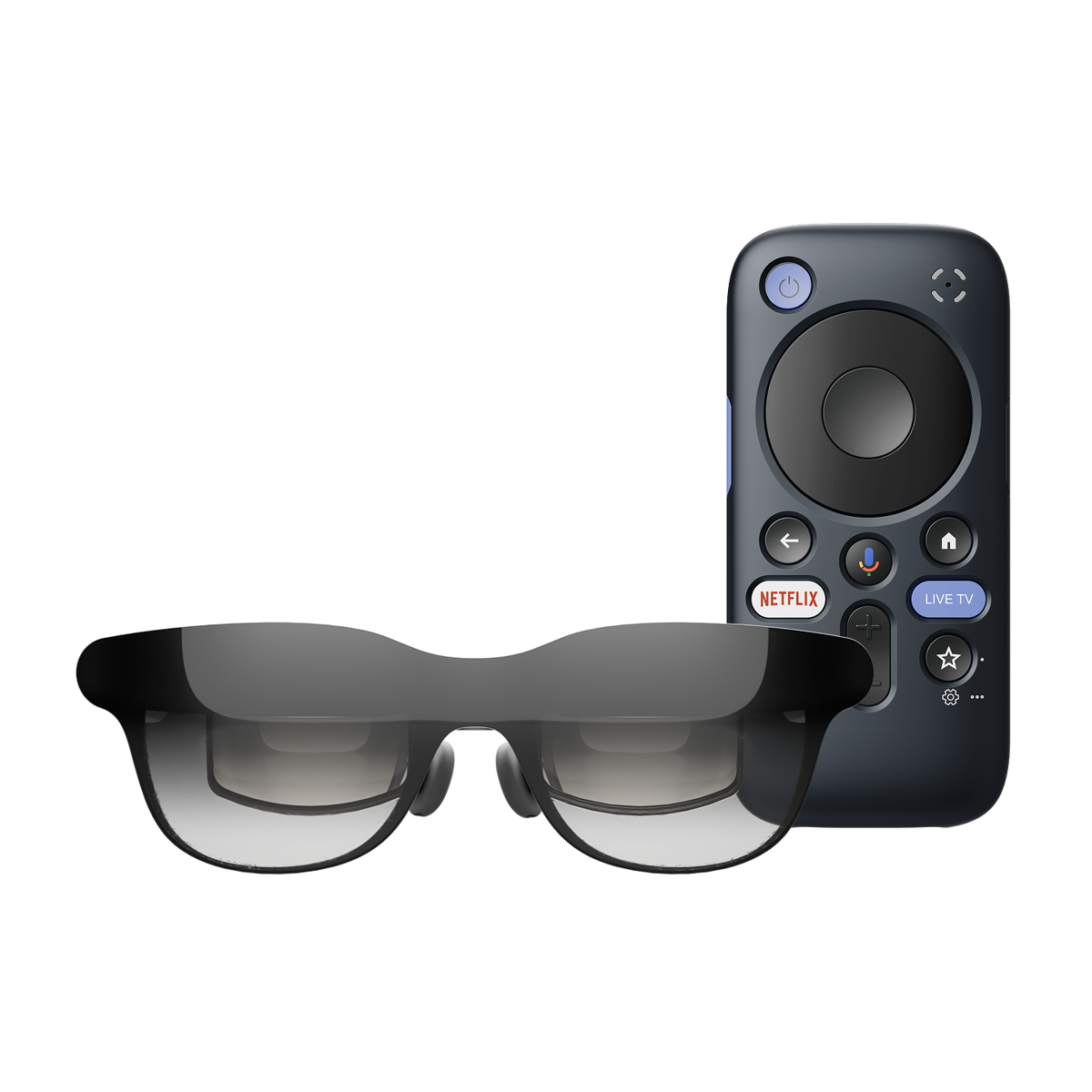
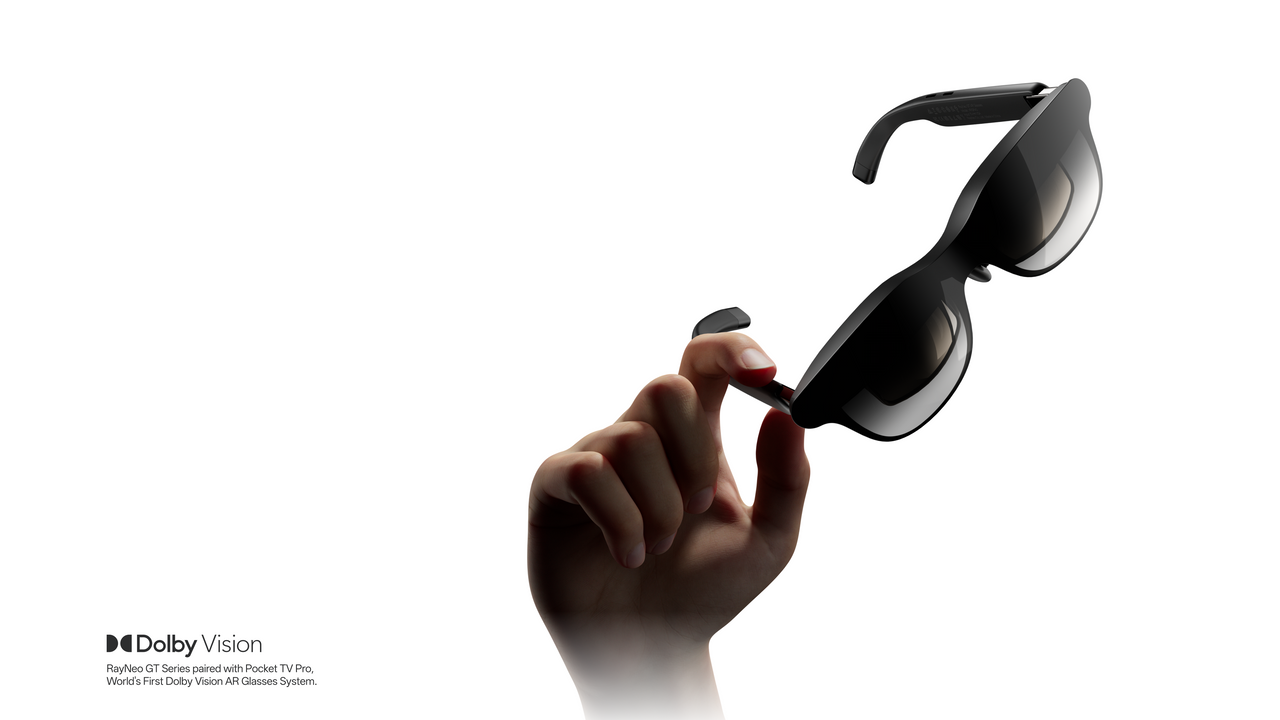
Enjoy a 201-inch personal cinema wherever you go. Pair RayNeo GT with Pocket TV Pro for Dolby Vision entertainment, built-in Google TV streaming, and a more immersive viewing experience without relying on your phone.
Enjoy a massive virtual screen with native 3DoF tracking for more stable viewing.
Experience richer HDR detail and cinematic colors with Pocket TV Pro and compatible Dolby Vision content.
Access Netflix, YouTube, Prime Video, Disney+, and more through Google TV.
Enjoy up to 5.5 hours of viewing with Pocket TV Pro's built-in 6,500mAh battery.
Discover accessories designed to enhance your GT Series experience, from portable streaming and immersive audio to seamless connectivity.


Worry-Free Purchase Available With SeelLearn More
Free standard shipping on eligible orders.
We will refund the difference if the price drops within 30 days.
Return within 30 days for a full refund.
Includes a 1-year limited warranty.
Contact our support team for help anytime.
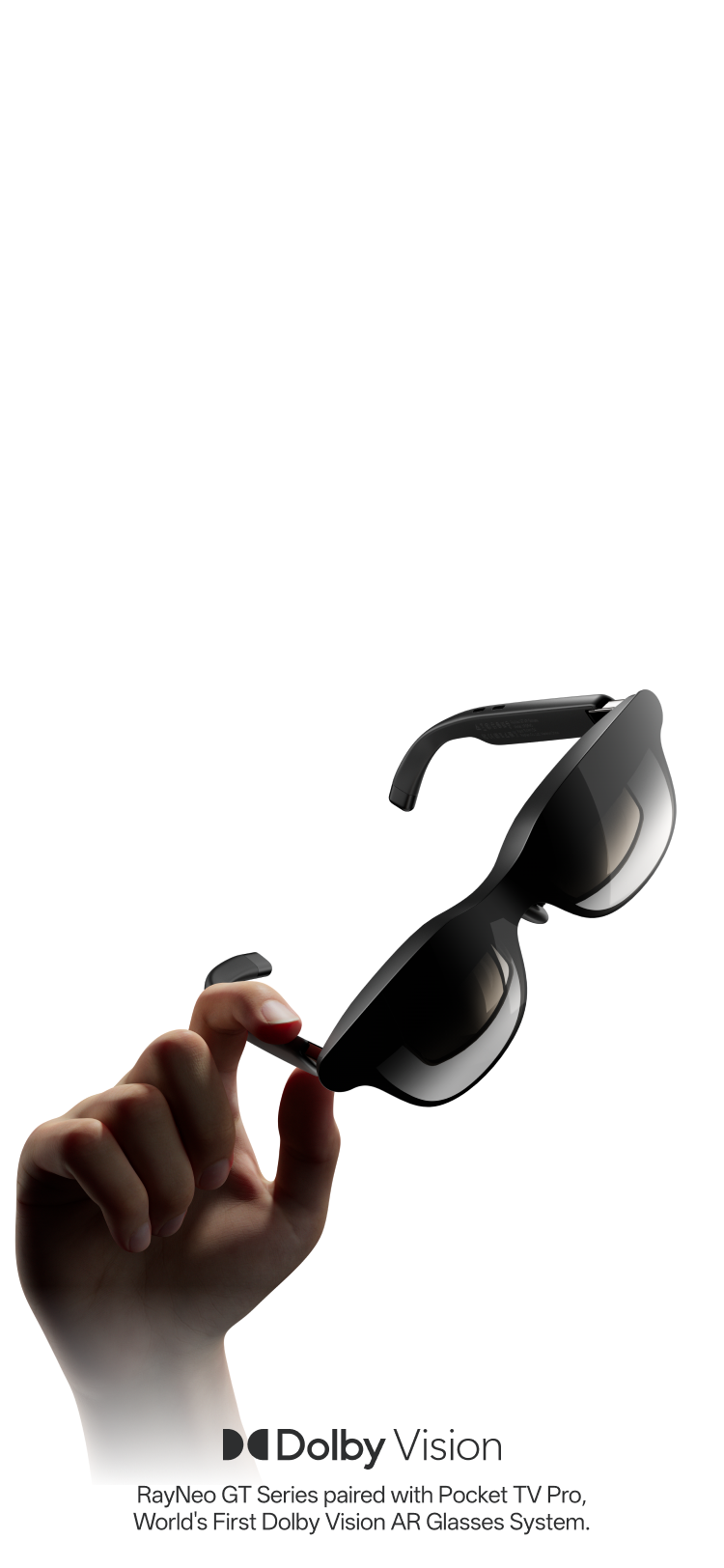
AR Glasses
Your own cinema anywhere.


A More Stable 3DoF Upgrade for Travel & Commuting

HDR10 visuals and B&O audio for movies, gaming, and everyday entertainment.
€271,00
201"
Screen Size
46°
Field of View
Folgemodus
Spatial Tracking
HDR10
HDR
Bis zu 120 Hz
Refresh Rate
Bang & Olufsen / Quad-Lautsprecher
Audio
Bis zu 1.200 Nits
Brightness
76g
Weight
Verstellbare Nasenpads & flexible Bügel
Fit / IPD
✓
Prescription Ready
Filme / Gaming / Unterhaltung im Alltag
Best For

Native 3DoF für Reisen und den Alltag
€279,00
136"/201"/231"
Screen Size
46°
Field of View
Fixierter Modus /Stabiler Modus /Folgemodus
Spatial Tracking
KI-HDR
HDR
Bis zu 120 Hz
Refresh Rate
Bang & Olufsen / Quad-Lautsprecher / räumliches Audio
Audio
Bis zu 1.200 Nits
Brightness
68g
Weight
Fester Augenabstand von 64 mm / Verstellbare Nasenpads
Fit / IPD
✓
Prescription Ready
Reisen / Pendeln / alltägliches Fernsehen
Best For

267-Zoll-Kinodisplay für Filme und Gaming
€415,65
227”/267"/307"
Screen Size
59°
Field of View
Fixierter Modus /Stabiler Modus /Folgemodus
Spatial Tracking
KI-HDR
HDR
Bis zu 120 Hz
Refresh Rate
Bang & Olufsen / Quad-Lautsprecher / räumliches Audio
Audio
Bis zu 1.200 Nits
Brightness
78g
Weight
S / M / L IPD-Größen / Verstellbare Nasenpads
Fit / IPD
✓
Prescription Ready
Filme / Gaming / Langes Ansehen
Best For
Made for Creators. Experienced by Creators.
From professional calibration to real-world experiences, see how filmmakers, artists, and creative professionals engage with the RayNeo GT Series.

Maggie Kang - Oscar-Winning Director of Netflix’s KPop Demon Hunters
Trying RayNeo GT Series for a big-screen cinematic experience.

TINASHE - Music Artist
Trying RayNeo GT Series for immersive sound and cinematic viewing.
Amber Neukam
Sundance-Recognized
Emerging Filmmaker
Independent Storyteller
Art-Driven Commercial Filmmaker
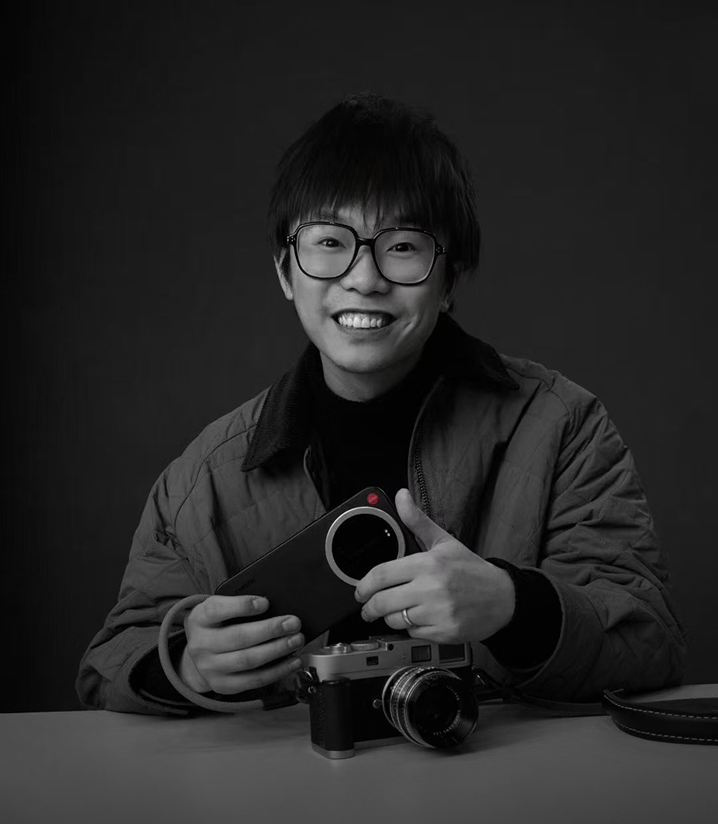
Bo Fu
Commercial Director
Cinematographer
Founder & Creative Lead at SanBuWuShi

Matt Shaffar
Senior Commercial Director
Acclaimed Editor
Visual Rhythm Artist

Vincent DeLuca
International Award-Winning
Documentary Director
Versatile Film & TV Producer
Veteran Director of Photography

Fei Zou
Veteran Commercial Director
Visual Storyteller
Director Known for Distinctive Visual Style
Executive Director, The Wandering Earth
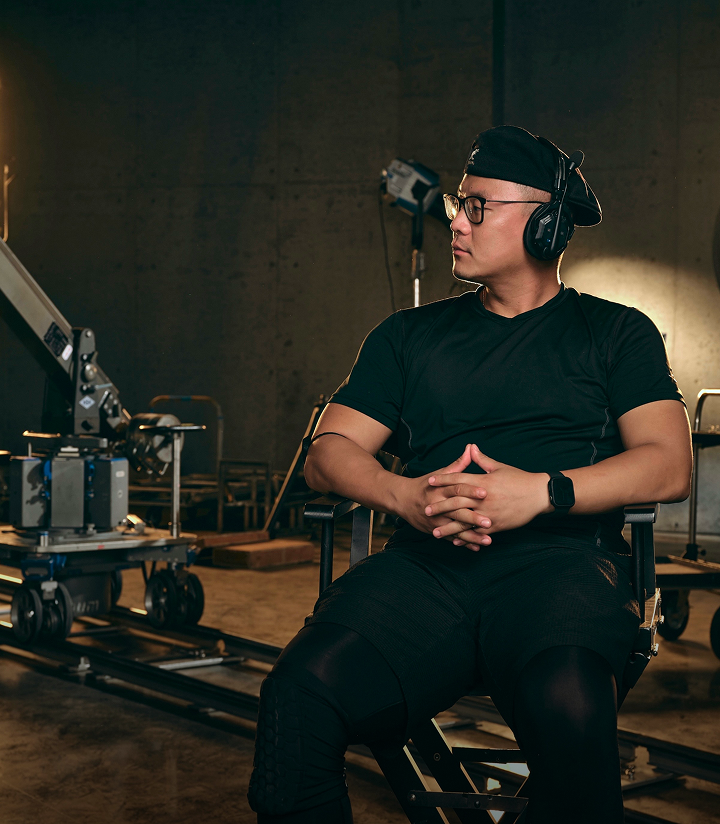
Xinzhong Zhao
International Director of Photography
Director
Lead Creative at GZ Productions

Epic 201-inch cinema display.
*The default display size of the GT is equivalent to viewing a 201-inch screen from a distance of 6 meters.

Stable viewing with subtle natural movement.
Ideal for travel and commuting.

Keeps the screen fixed in one position.
Ideal for focused, cinema-like viewing.

Keeps the screen centered as you move your head.
Ideal for casual and everyday viewing.
Paired with RayNeo Pocket TV Pro, GT delivers an immersive Dolby Vision experience. AI real-time SDR-to-HDR conversion is supported across all compatible devices.

Powered by the Vision 4000 Display Chip and Zone 360 3DoF Chip, GT Max delivers stunning visuals with precise spatial tracking for a more immersive AR experience.

Peacock Optical Engine 3.0 delivers an immersive visual experience with a 46° field of view, 201-inch cinema display, 1200 nits perceived brightness, and 200,000:1 contrast ratio. Supporting 98% DCI-P3 wide color, 145% sRGB color gamut, 49 PPD resolution, 120Hz refresh rate, ultra-low 10% light leakage, and ΔE < 2 color accuracy for sharp, vivid, and true-to-life visuals.

Brilliant visuals, precise dimming, and greater comfort for extended AR use.
*All data is sourced from the RayNeo Lab.

If you wear prescription glasses, we recommend custom lenses from our professional partner, Lensology, for clearer visuals and greater comfort during extended AR use.
Shop Prescription Lenses:https://lensology.co.uk/rayneo-gt-prescription-inserts/


3D Spatial Sound | Whisper Mode 2.0
Our all-new racetrack quad-speaker system delivers true studio-grade dynamic range. Featuring an industry-first back-to-back architecture and custom tuning developed in partnership with Bang & Olufsen, it redefines what AR glasses can sound like.

Optional Sound Tube directs audio into your ears for louder and clearer listening.
*Optional accessory

Explore more features that can help you find the right RayNeo experience.


An all-new, sports-car-inspired streamlined unibody. This minimalist design combines a premium NCVM composite finish with a delicate sandblasted texture. GT weighs just 68 grams, delivering remarkable comfort for extended wear.
*All data is sourced from the RayNeo Lab.
Instantly convert 2D videos into 3D ones!
*Available on iPhone 15/16/17 series
iPhone 16e / 17e / Air is not supported.
A visual upgrade that delivers deeper layers and superior immersion!
Spatial video playback is now live!
*Only available on iPhone 15/16/17 series.
iPhone 16e / 17e / Air is not supported.
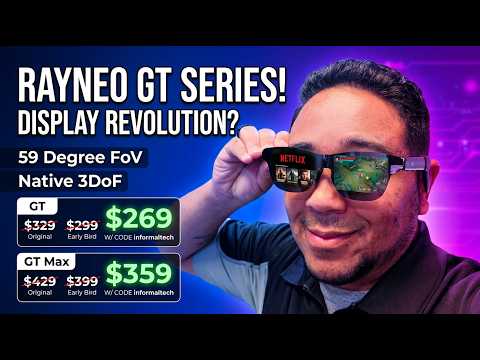

RayNeo GT vs GT Max: Which One Should You Actually Buy?
Informal Tech
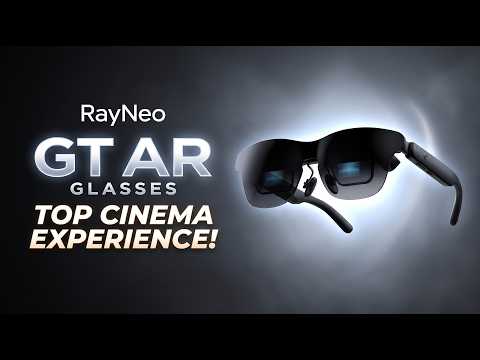

The RayNeo GT Is a BIG Cinema Upgrade You Need To See!
Matt Talks Tech
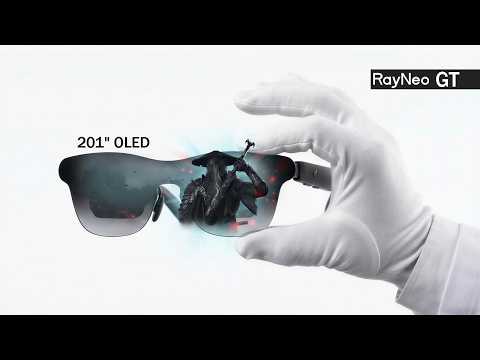

This Is a 201" Gaming Screen You Can Wear | RayNeo GT Unboxing
Unboxing Plus


RayNeo GT and GT Max FAQs Answered!
MysticNZ
iPhone 15 / 16 / 17 Series *iPhone 16e / 17e / Air not supported.
ex. Samsung Galaxy S8–S25 Series
Apple iPad (10th gen or newer) with USB-C support
Compatible USB-C handheld gaming consoles
Apple MacBook (2015+) with USB-C support USB-C laptops and PCs with video output support
iPhones (Up to iPhone 14)、iPad (4th–9th gen)、iPad Air (1st–3rd gen)、iPad mini (1st–5th gen) *Lightning devices require Apple Digital AV Adapter to work together (not included).
Gaming Consoles:PS4 / PS5、Xbox、Nintendo Switch
Steam Deck、Laptops、Desktop PCs
Switch (1st generation)、Switch 2 *Back Clip Needed
RayNeo AR Glasses :GT Max、GT、Air 4 Pro、Air 3s Pro
Enjoy smooth 4K visuals while charging your device.
Dolby Vision Support
136"/201"/231" Virtual DisPlay
46°
0.6" SeeYa Micro-OLED
1920 × 1080 (Full HD)
2D 120Hz
3D 60Hz
Pinned Mode
Steady Mode
Follow Mode
Pinned Mode:336 nits
Non-Pinned Mode:1,200 nits
Vision 4000
AI HDR
200,000:1
98% DCI-P3 / 145% sRGB
ΔE < 2
Bang & Olufsen
Quad-Speakers
Immersive Spatial Sound & Head-Tracked Spatial Audio
Whisper Mode
68g
Adjustable Nose Pads
3840Hz High-Frequency Dimming
Direct connection via DisplayPort-compatible USB-C
Compatible devices with USB-C video output
Compatible USB-C / DisplayPort devices
Compatible USB-C gaming devices
Supported via RayNeo HDMI Adapter
iPhone / Android / Mac / Windows / Steam Deck / Switch / PlayStation
Compatibility depends on your device’s video output capability.
Standard / Movie / Eye Protection / Office
Follow / Steady / Pinned
12 levels plus 3 extra gain levels
On-device Controls
Native 3D
AI 2D-to-3D Conversion
RayNeo XR App
Prescription Lens Compatible
RayNeo GT can connect directly to compatible devices that support video output via USB-C DisplayPort Alt Mode, including supported smartphones, tablets, laptops, and handheld gaming devices.
Some devices may require an additional adapter or accessory depending on their available ports and video-output capabilities.
RayNeo GT features a fixed 64mm IPD optical design. For the best viewing experience, proper eye alignment is important.
Adjust the nose pads and wearing position to help center the image and improve visual comfort.
If you require more personalized IPD sizing, RayNeo GT Max is available in S, M, and L IPD options.
Yes. RayNeo GT supports prescription lens solutions for users who need vision correction.
For clearer visuals and greater comfort during extended AR use, we recommend custom prescription lenses from RayNeo’s professional lens partner, Lensology.
Shop Prescription Lenses:https://lensology.co.uk/rayneo-gt-prescription-inserts/
No. Pocket TV Pro is not required to use RayNeo GT.
GT can connect directly to compatible smartphones, tablets, laptops, handheld gaming devices, and other supported video sources.
Pairing GT with RayNeo Pocket TV Pro adds a dedicated portable entertainment experience with Google TV, streaming apps, expandable storage, and Dolby Vision support.
Pair RayNeo GT with RayNeo Pocket TV Pro to experience Dolby Vision in AR.
Dolby Vision playback is supported when GT is used with Pocket TV Pro and compatible Dolby Vision content.
Both models are designed for immersive AR entertainment, but they offer different optical configurations.
————————
RayNeo GT
46° field of view
201-inch cinema display
Fixed 64mm IPD
68g lightweight design
————————
RayNeo GT Max
59° field of view
267-inch cinema display
S, M, and L IPD options
————————
Both models support up to a 120Hz refresh rate, 1200 nits perceived brightness, Bang & Olufsen audio tuning, native 3DoF spatial tracking, and Dolby Vision playback when paired with Pocket TV Pro.
Yes. RayNeo GT supports native 3DoF spatial tracking powered by the Zone 360 3DoF Chip. Combined with the Vision 4000 Display Chip, it provides stable spatial viewing while maintaining clear and responsive visuals.
Reconnect the included USB-C cable and make sure both ends are fully inserted.
Unlock the connected device and increase the glasses’ brightness.
Confirm that the USB-C port supports DisplayPort Alt Mode.
If using an adapter, make sure it is connected correctly and sufficiently powered.
Restart the connected device or test another compatible port, cable, or device.
Check the RayNeo Device Compatibility List for supported devices.
If the issue persists, contact RayNeo Support with the glasses model, connected-device model, and connection method.
RayNeo GT MAX provides S, M, and L optical-module options for different interpupillary distances (IPD), as well as S, M, and L nose-pad heights for different pupil heights.
If the IPD size is correct but the edges are still blurry:
Try a different nose-pad height to improve vertical eye alignment.
Wear the glasses level and move them slightly upward or downward until the image is centered.
Reduce the virtual screen size to keep the image within the clearest viewing area.
Clean the display lenses and make sure any prescription lenses are installed correctly.
Close one eye at a time to check whether the blurriness affects one side or both sides.
If one side remains blurry or a fully clear image cannot be achieved, contact RayNeo Support and provide the selected IPD size, nose-pad size, and whether the issue affects one or both eyes.
RayNeo GT / GT MAX use an open-ear speaker design. The speaker outlets direct sound toward the wearer, making the audio difficult to hear clearly from approximately 1.5 meters away. However, someone standing very close may still hear some sound.
Adjusting the volume
Use the Volume Rocker on the glasses to increase or decrease the volume.
Switching audio modes
Press and hold the Volume Rocker to switch between:
Standard
Whisper
Spatial Surround
Select Whisper Mode to reduce audio leakage in quiet or public environments. It can also be enabled through RayNeo XR App > Glasses Settings > Whisper Mode.
The connected device powers the glasses and processes video, so slight warmth and increased battery consumption are normal. Use the appropriate power-saving feature for your viewing mode.
When Playing Videos in XR Space: Eco Mode
Tap More in the lower-right corner of the video player.
Turn on Eco Mode.
The phone screen will dim under a black overlay while the video continues playing on the glasses.
1.Open Immersive Casting in the RayNeo XR App.
2.On the casting control screen, tap Glasses Settings.
3.Enable Auto-Dim Brightness and adjust the Minimum Brightness if needed.
4.After 10 seconds of inactivity, a dark overlay will appear to reduce the phone screen’s power consumption. Casting will continue normally.
5.Tap Temporarily Brighten Screen to remove the overlay. It will return after another 10 seconds of inactivity.
6.You can also lower the glasses’ brightness, close unused apps, keep the connected device well ventilated, and disconnect the glasses when they are not in use.
Open the RayNeo XR App and go to:
Me > XR Space Guide > Media Import Guide
Select the import method that matches your media source—AirDrop, Mac/PC, or Cloud Drive/Web—and follow the on-screen instructions.
After importing the media, return to the RayNeo XR App and refresh the media list.
The following instructions update the firmware installed on the glasses. They do not update your phone’s operating system or the RayNeo XR App.
When new glasses firmware is available, the RayNeo XR App will normally display an update notification automatically. Tap Update Now to begin or Update Later to postpone it.
To check for updates manually:
Connect the glasses to your Android phone.
Open the RayNeo XR App.
On the app homepage, go to Glasses Settings > Firmware upgrade.
Follow the on-screen instructions to update the glasses.
This includes iPhone users and others who cannot update through the Android app. Use a Windows PC or Mac:
1.Open the RayNeo Firmware Update Page in Chrome.
2.Connect the glasses to the computer’s USB-C port.
3.Click Start Connecting.
4.In the device-selection pop-up, select RayNeo AR Glasses, then click Connect.
5.If an update is available, click Start Upgrade and connect RayNeo AR Glasses again when prompted.
6.Keep the glasses connected until the progress bar shows that the update is complete.
Note: The glasses may temporarily display a black screen during the update. Do not disconnect the cable or close the browser until the update is complete.
Still have questions?Get Help
Overall rating: 4.7 / 5 from 102 reviews.

Top Gerät unfassbar gutes Bild und klang

La realidad ha superado mis espectativas: - Muy comodas incluso con uso prolongado - Excelente calidad de imagen incluso en el formato mayor de pantalla - Sonido muy claro y de excelente calidad, no puede envidiar a ningun auricular

It fulfills its purpose, although it gets slightly hotter.

Super ein muss

Bellissime esperienza è migliore di quello che aspettavo

Arbeiten und Filme schauen gleichzeitig - mega :-)

Le cinema à la maison. Depuis que je l'utilise avec les rayneo gtmax, je ne me sert plus de ma tv.

Me encantan

Alles super, man hat alles in einem Gerät und bracht nicht an das Iphone und Akku vom Pocket TV ist auch super !!!

Simple plug and plug Google TV box with built in battery. A must have in my opinion.

If videos could be downloaded directly to the Pocket TV, it would be useful in more places, such as on airplanes.

I use the Pocket TV Pro and Sound Tube with my RayNeo GT Max. The Dolby Vision picture quality is excellent, and the Sound Tube makes the audio powerful. I now really look forward to watching a movie before bed.

It's great to watch YouTube and Prime Video on a big screen while lying down. The controls are simple, and I like being able to launch my favorite apps with a button. Being able to use it while charging is another big plus.

The picture is beautiful and these are very useful when I travel. They are essential for train and plane journeys.

Subject: Honest Feedback — RayNeo Pocket TV Pro — Full Details & Serial Numbers Included Dear RayNeo Team, Thank you for asking for my feedback. I truly want these products to be excellent, so here is my full and honest experience: ✅ What’s Excellent The picture quality, colors, and Dolby Vision are absolutely stunning — truly immersive and cinematic. That’s exactly why I want this to work perfectly and will happily keep supporting RayNeo once these issues are resolved. ⚠️ Issues & Improvements Needed 1. Setup is unnecessarily difficult QR codes appear only on the glasses display — so you have to scan them through the lenses, like searching in the dark. Not everyone is tech-savvy; please show QR codes in the app or manual to make setup simpler for everyone. 2. ⚠️ Charging is far too slow — even with 100W This is a major concern: I am using a 100W adapter + high-quality cable with direct power delivery, yet when I use the device while charging, it takes 7–8 hours to go from 25% to fully charged. That is extremely slow — a 100W setup should make this fast, not drag on all day. Please investigate and fix this. 3. Disney+ App — "Invalid user session" error (critical issue on both devices) Let me be clear: my Disney+ account works perfectly everywhere else. I am subscribed to Disney+ Premium, and my Netflix also works flawlessly. Both play beautifully on my phone over the same Wi-Fi network — no login issues at all. The problem is unique to the Pocket TV Pro: • After every uninstall/reinstall, the moment I open Disney+, it immediately jumps straight to the error screen — before I ever see any login fields. • It never gives me a chance to enter my email, password, or login code. There is literally nothing I can type before the error appears. • Error shown: Invalid user session There could be a problem with your user authentication. Please sign out and sign in again. v26.08.22.3 HTTP_403 9f7faae8-7cf0-41d4-8158-a2ab7570a55b Current workaround im doing I can only watch Disney+ by casting from my phone. That works, but I should be able to use the app directly on the device. Both units have identical issue: • Unit 1: GZ26030283200740 • Unit 2: GZ26030283201161 I’ve emailed support multiple times and am still waiting for a resolution. 4. Standby mode doesn’t work as intended Selecting Standby then pressing any button causes full shutdown instead of waking from sleep. Standby should keep the device ready to wake instantly. 5. Google TV app is less convenient Navigation feels slow and awkward — I always use the Pocket TV Pro remote instead. Typing is tedious and takes far too long. The image quality is wonderful — that’s why I care so deeply. Please address these, especially the charging speed and Disney+ login issue, and I will be a loyal RayNeo customer for years to come. And I’m also looking forward for any upgrades they can make in the near future. I hope there’s a way they can send signal to my pocket TV pro to auto update Whatever is needed to fix the problem.

Subject: Honest Feedback — RayNeo Pocket TV Pro — Full Details & Serial Numbers Included Dear RayNeo Team, Thank you for asking for my feedback. I truly want these products to be excellent, so here is my full and honest experience: ✅ What’s Excellent The picture quality, colors, and Dolby Vision are absolutely stunning — truly immersive and cinematic. That’s exactly why I want this to work perfectly and will happily keep supporting RayNeo once these issues are resolved. ⚠️ Issues & Improvements Needed 1. Setup is unnecessarily difficult QR codes appear only on the glasses display — so you have to scan them through the lenses, like searching in the dark. Not everyone is tech-savvy; please show QR codes in the app or manual to make setup simpler for everyone. 2. ⚠️ Charging is far too slow — even with 100W This is a major concern: I am using a 100W adapter + high-quality cable with direct power delivery, yet when I use the device while charging, it takes 7–8 hours to go from 25% to fully charged. That is extremely slow — a 100W setup should make this fast, not drag on all day. Please investigate and fix this. 3. Disney+ App — "Invalid user session" error (critical issue on both devices) Let me be clear: my Disney+ account works perfectly everywhere else. I am subscribed to Disney+ Premium, and my Netflix also works flawlessly. Both play beautifully on my phone over the same Wi-Fi network — no login issues at all. The problem is unique to the Pocket TV Pro: • After every uninstall/reinstall, the moment I open Disney+, it immediately jumps straight to the error screen — before I ever see any login fields. • It never gives me a chance to enter my email, password, or login code. There is literally nothing I can type before the error appears. • Error shown: Invalid user session There could be a problem with your user authentication. Please sign out and sign in again. v26.08.22.3 HTTP_403 9f7faae8-7cf0-41d4-8158-a2ab7570a55b Current workaround im doing I can only watch Disney+ by casting from my phone. That works, but I should be able to use the app directly on the device. Both units have identical issue: • Unit 1: GZ26030283200740 • Unit 2: GZ26030283201161 I’ve emailed support multiple times and am still waiting for a resolution. 4. Standby mode doesn’t work as intended Selecting Standby then pressing any button causes full shutdown instead of waking from sleep. Standby should keep the device ready to wake instantly. 5. Google TV app is less convenient Navigation feels slow and awkward — I always use the Pocket TV Pro remote instead. Typing is tedious and takes far too long. The image quality is wonderful — that’s why I care so deeply. Please address these, especially the charging speed and Disney+ login issue, and I will be a loyal RayNeo customer for years to come. And I’m looking forward for more upgrades if they can..
Top Bildqualität zusammen mit dem Rayneo Tv pro. Ideal auf Reisen.
parfait...!
Sehr schönes Teil.
Bin sehr zufrieden
Very good
Aunque se pueden utilizar con el móvil, este accesorio me parece casi imprescindible. Te da mejor calidad de imagen (dependiendo de la fuente puedes aprovechar el Dolby visión), la batería dura bastante y no agotas la batería del móvil. Es verdad que se calienta durante el uso, pero supongo que será lo normal. Para registrarlo en las distintas plataformas te ofrece escanear un código QR con el móvil, lo cual exige un poco de maña, pero nada que sea imposible. No es barato, pero merece la pena.
Pretty good dedicated streaming device. Would be even better if choice can be made to have dolby vision disabled on the gt max glasses. Right now its forced set to ON.
Muy bueno
Si quieres aprovechar las gafas al máximo , este dispositivo se descarga todas las app de streaming, y se ve genial todas las series y películas, yo lo compré por eso, y es una gran experiencia.
Compact and easy to use. Works great as a mobile solution to watch on the go. Gets a little hot under extended use and battery life could be better.
muy buena
Tolle Brille. Benutze sie sehr oft!
Genial
Great device, comfortable and easy to use.
système très simple et efficace le bémol avec les lunettes c est que je me suis rendu compte après qu elles ne sont pas compatible avec mon smartphone pourtant un Samsung S24 FE .... j ai d'ailleurs écris a votre SAV et aucune reponse a ce jour ! c est bien de faire des enquêtes de satisfaction mais la première des choses serait de répondre aux mails ... merci
J’ai hésité un peu avant de craquer mais maintenant je peux le dire, je ne regrette absolument pas
Hello RayNeo team, I would like to suggest a small but very useful feature for this device. It would be great to have the option to turn off the small indicator LEDs located at the top right of the device when it is powered on. These lights can be distracting, especially when using the glasses in a dark room or watching films in a cinema-like environment. A simple option in the device settings to enable or disable these LEDs would significantly improve the user experience. I think this would be a welcome feature for many users. Thank you for considering this suggestion! Best regards,
Qualité au top.
Un centro de entretenimiento real, se podría mejorar si aparte de WiFi también dispusiera de Bluetooth, para interconectar con dispositivos cercanos. Cada vez que arranca da avisos de la tarjeta MicroSD incorporada, siendo la misma no debería dar tantos mensajes, y debería traer un explorador de archivos, aunque siempre se le puede instalar alguno..
good
Neccesaire pour les Gt Max super produit
Se calienta mucho. Pero funciona
Se calienta exceso cuando se esta utilizando y cargando a la misma vez. No es muy adecuado
Top Gerät, läuft flüssig und einfach zu bedienen