€489,00

 Skip to content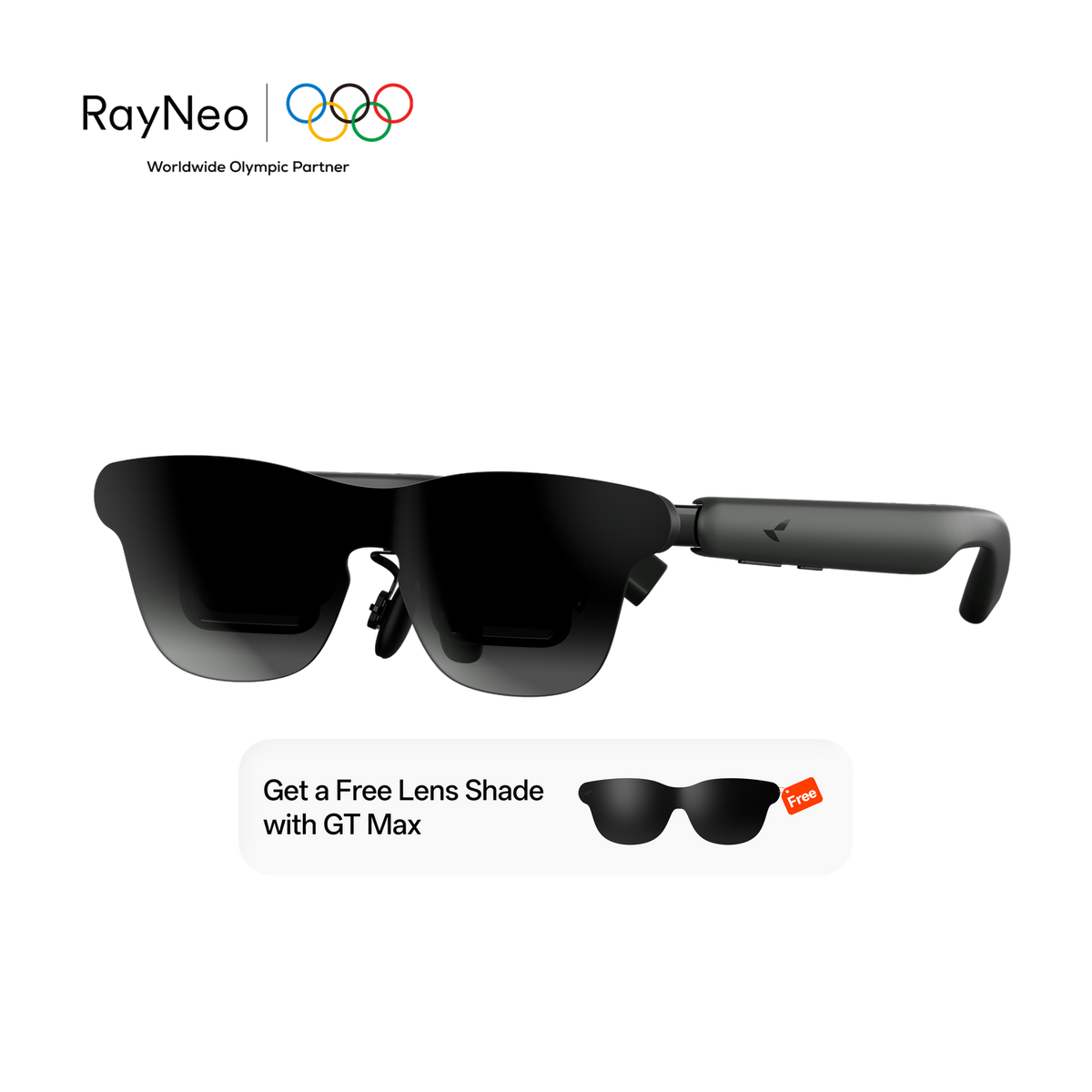

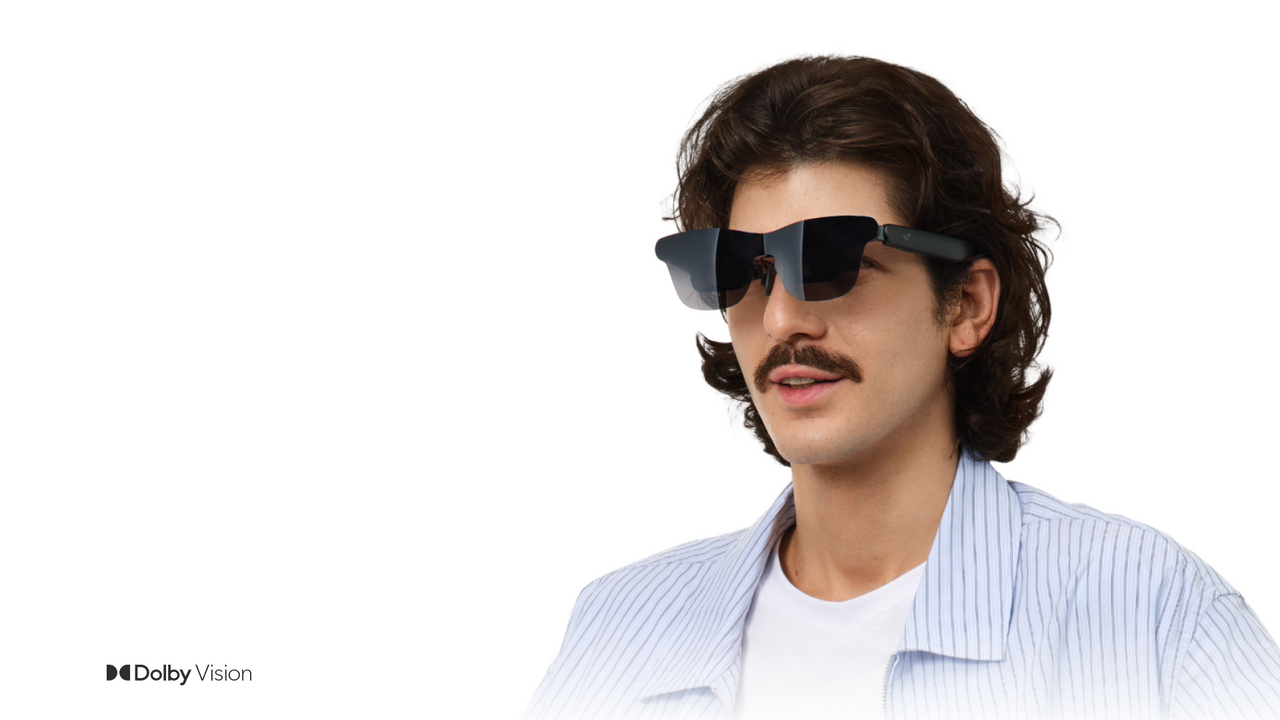
With an up to 307" cinema display and a wide 59° FOV, GT Max delivers a more immersive viewing experience for movies, gaming, and extended sessions.
Choose from 227", 267", or 307" virtual display sizes to match your viewing preference. Scale up for a bigger, more immersive cinema experience.
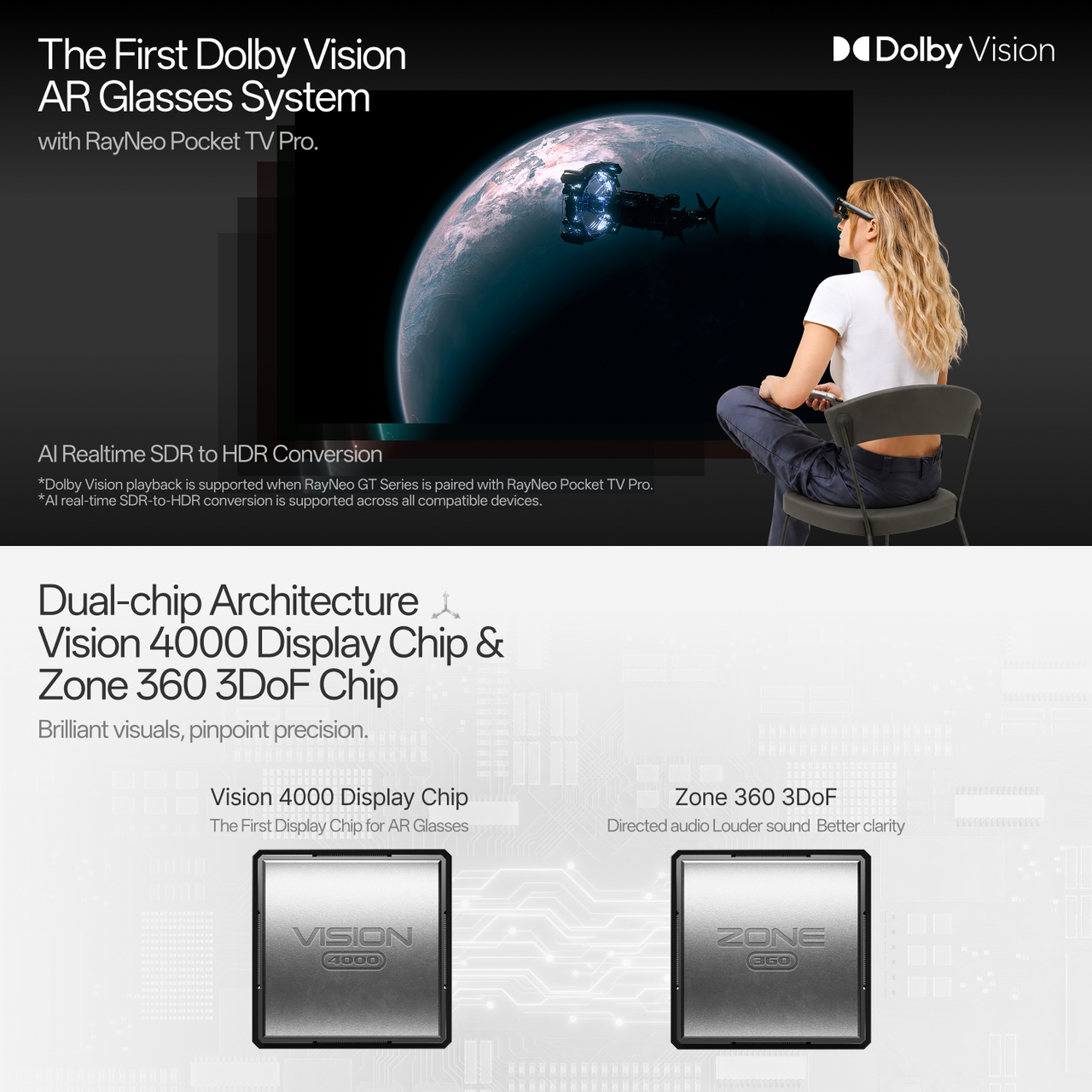
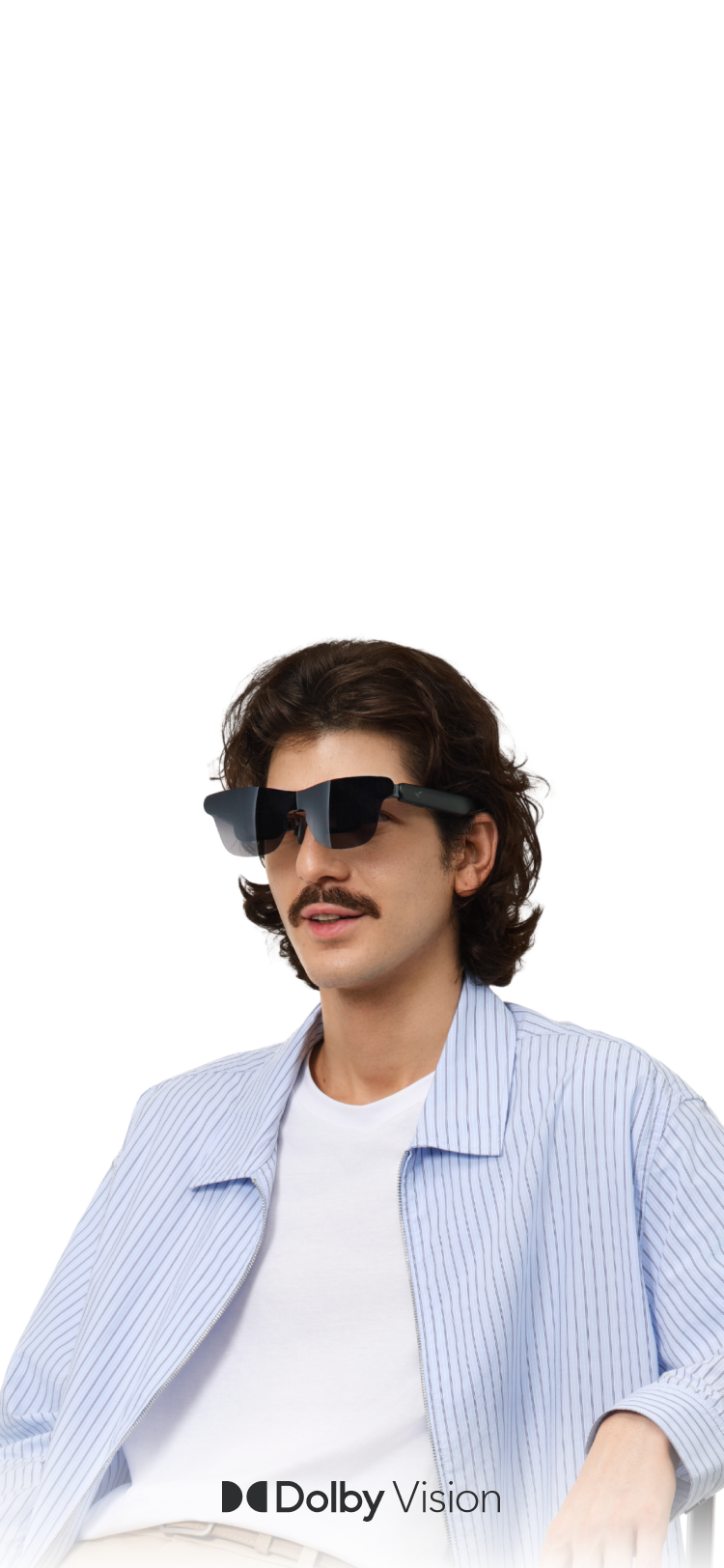
Pair with Pocket TV Pro to unlock the world’s first Dolby Vision AR glasses system, with stunning HDR detail and cinematic color.
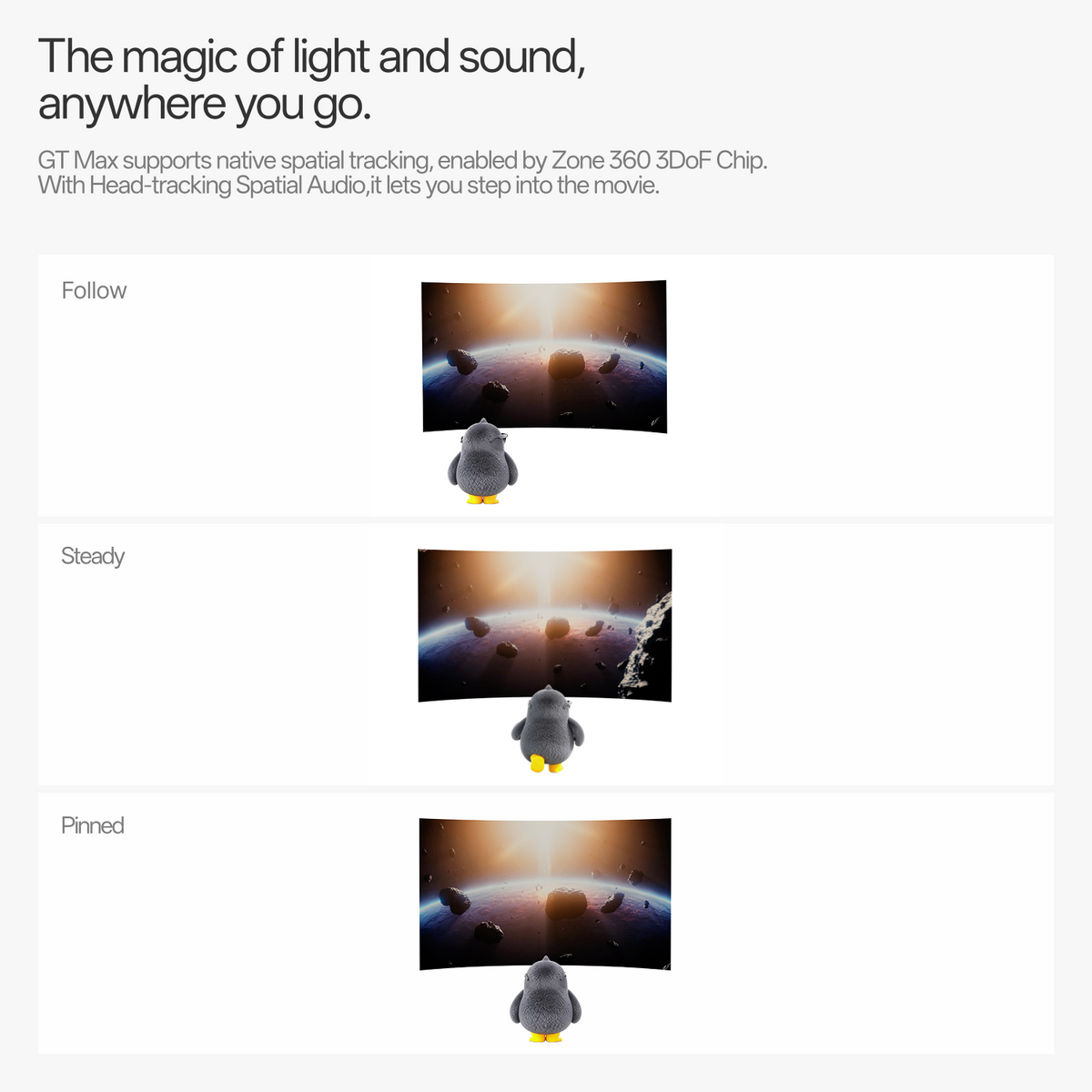
Powered by the Zone 360 3DoF Chip, GT Max keeps your screen naturally positioned with Follow, Steady, and Pinned viewing modes.
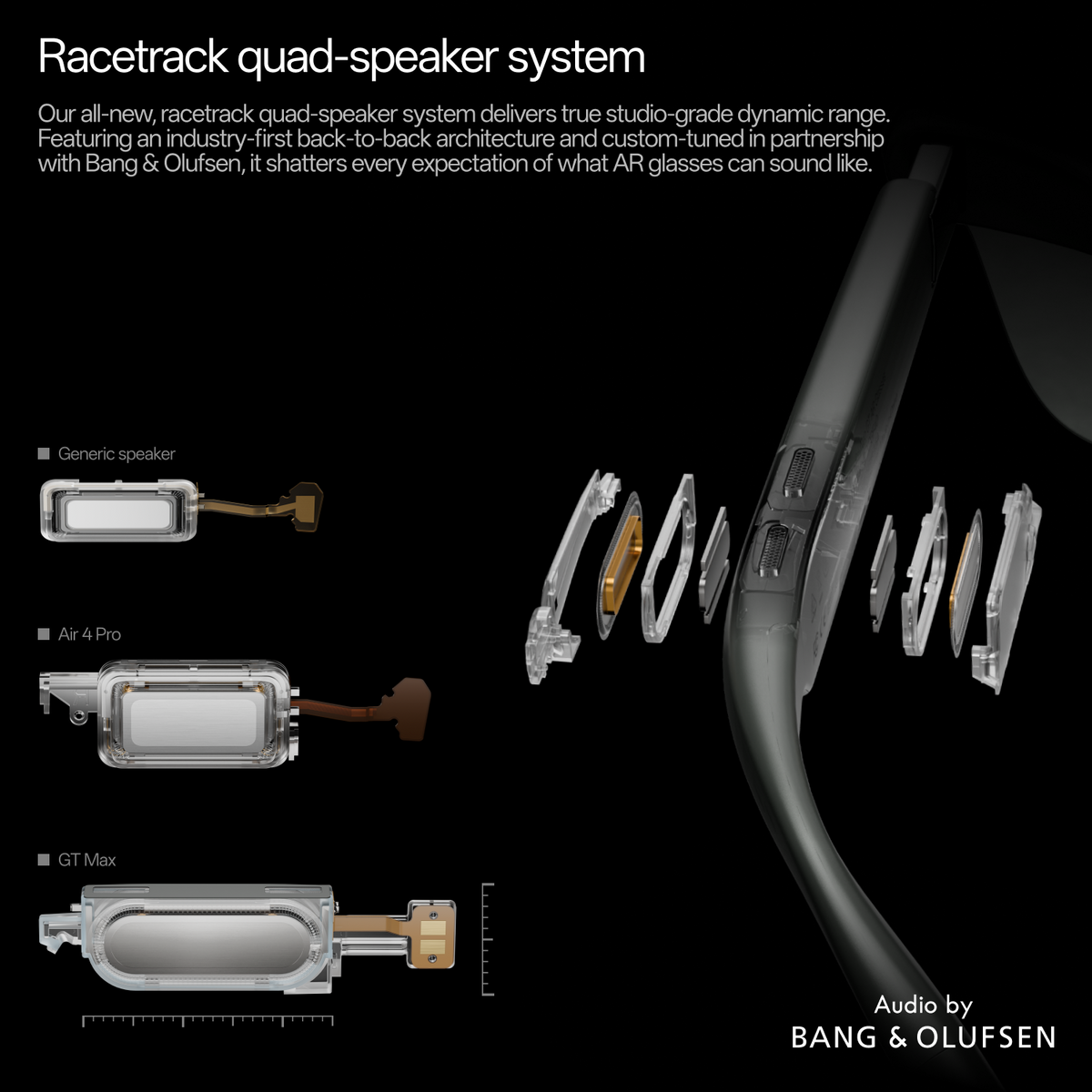
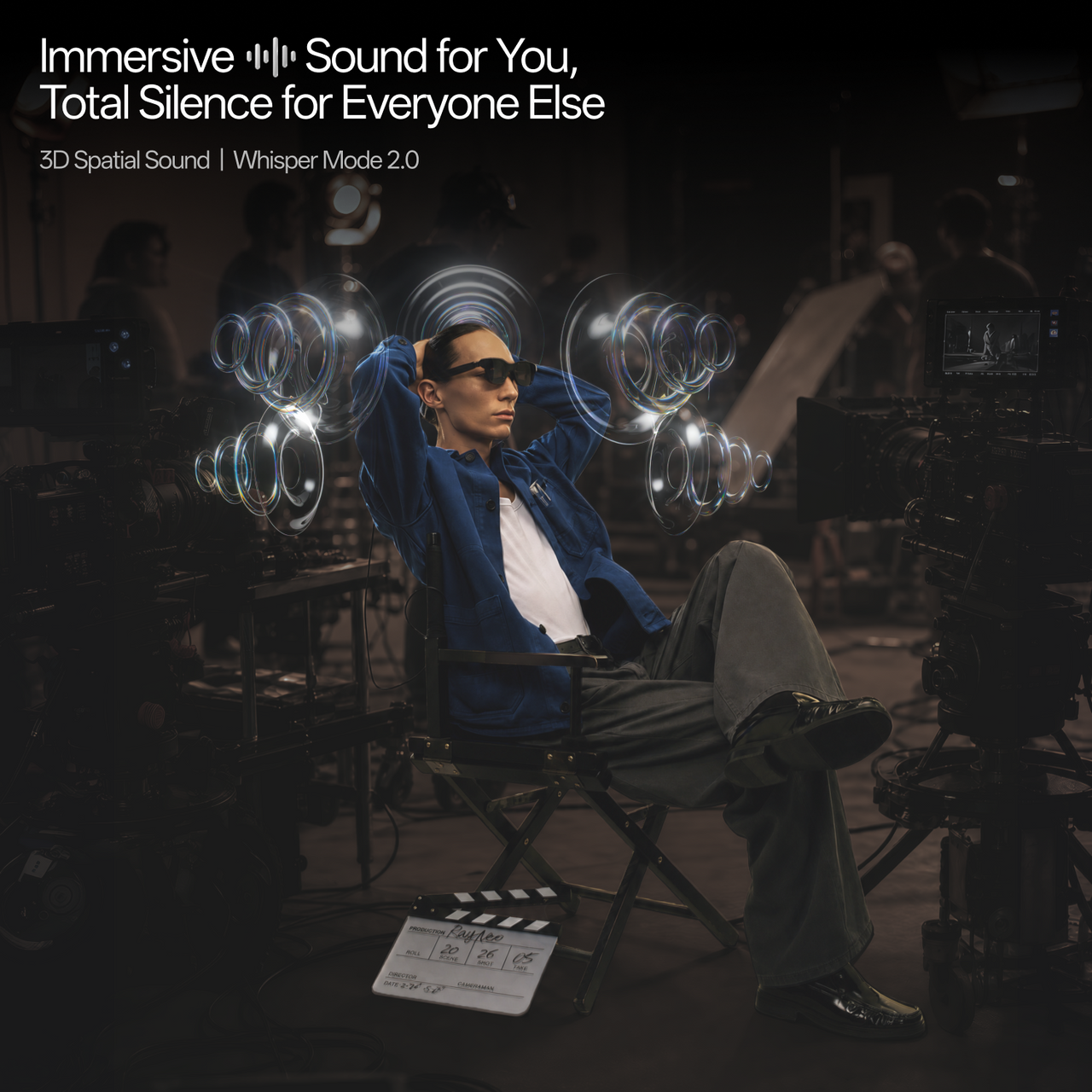
Tuned in partnership with Bang & Olufsen, the racetrack quad-speaker system delivers immersive spatial audio with head tracking and Whisper Mode 2.0.
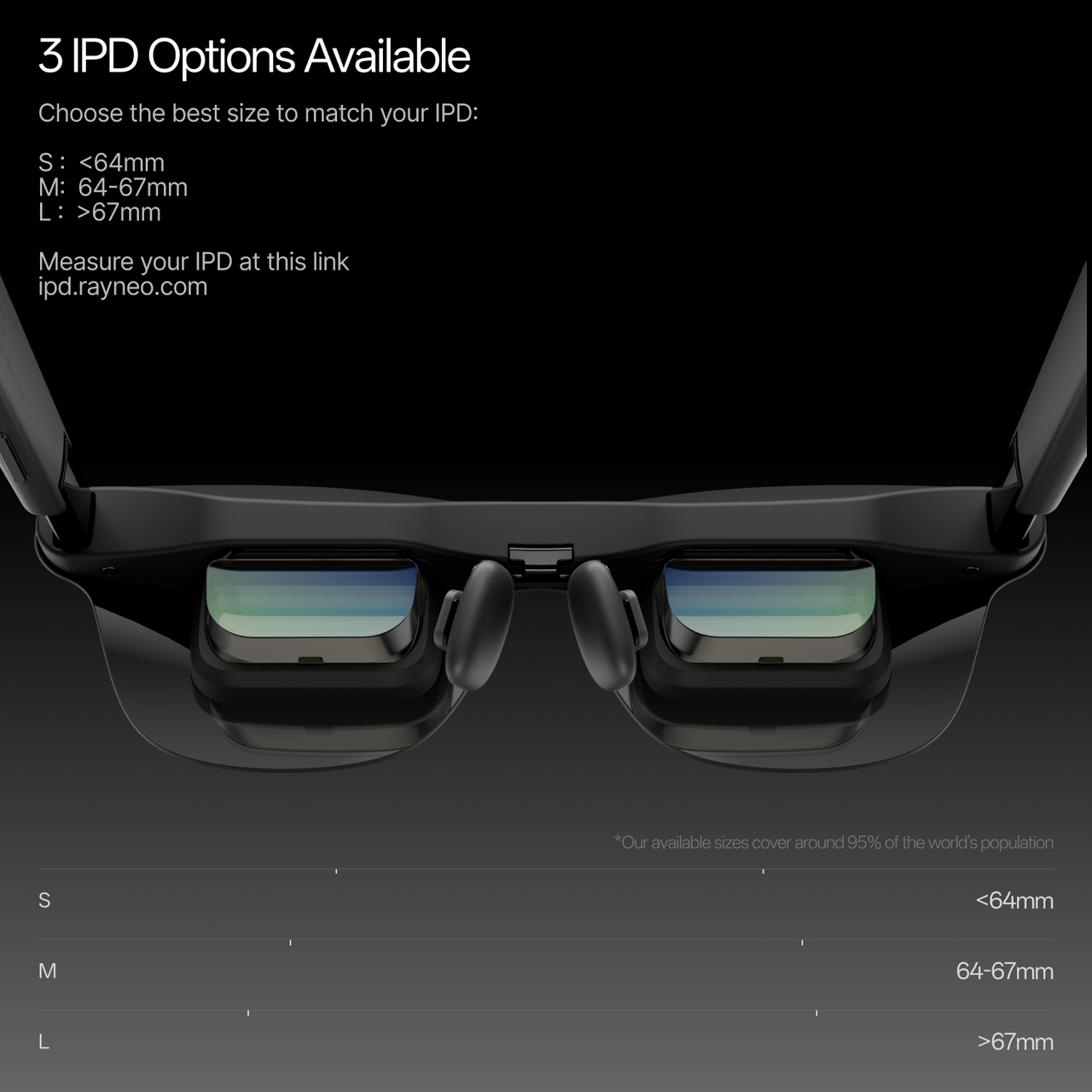
GT Max comes in three IPD sizes—S (<64mm), M (64–67mm), and L (>67mm). Use your smartphone to measure your IPD at ipd.rayneo.com, then choose the size that fits you best for a clearer, more comfortable viewing experience.
Not sure about your IPD? Measure Now
Buy any GT Series glasses and get 15% off eligible accessories. 15% accessory discount applied automatically in cart.


Worry-Free Purchase Available With SeelLearn More
Free & Fast Shipping
Free standard shipping on eligible orders.
30-Day Price Protection
We will refund the difference if the price drops within 30 days.
30-Day Free Returns
Return within 30 days for a full refund.
1-Year Warranty
Includes a 1-year limited warranty.
Hassle-Free Support
Contact our support team for help anytime.
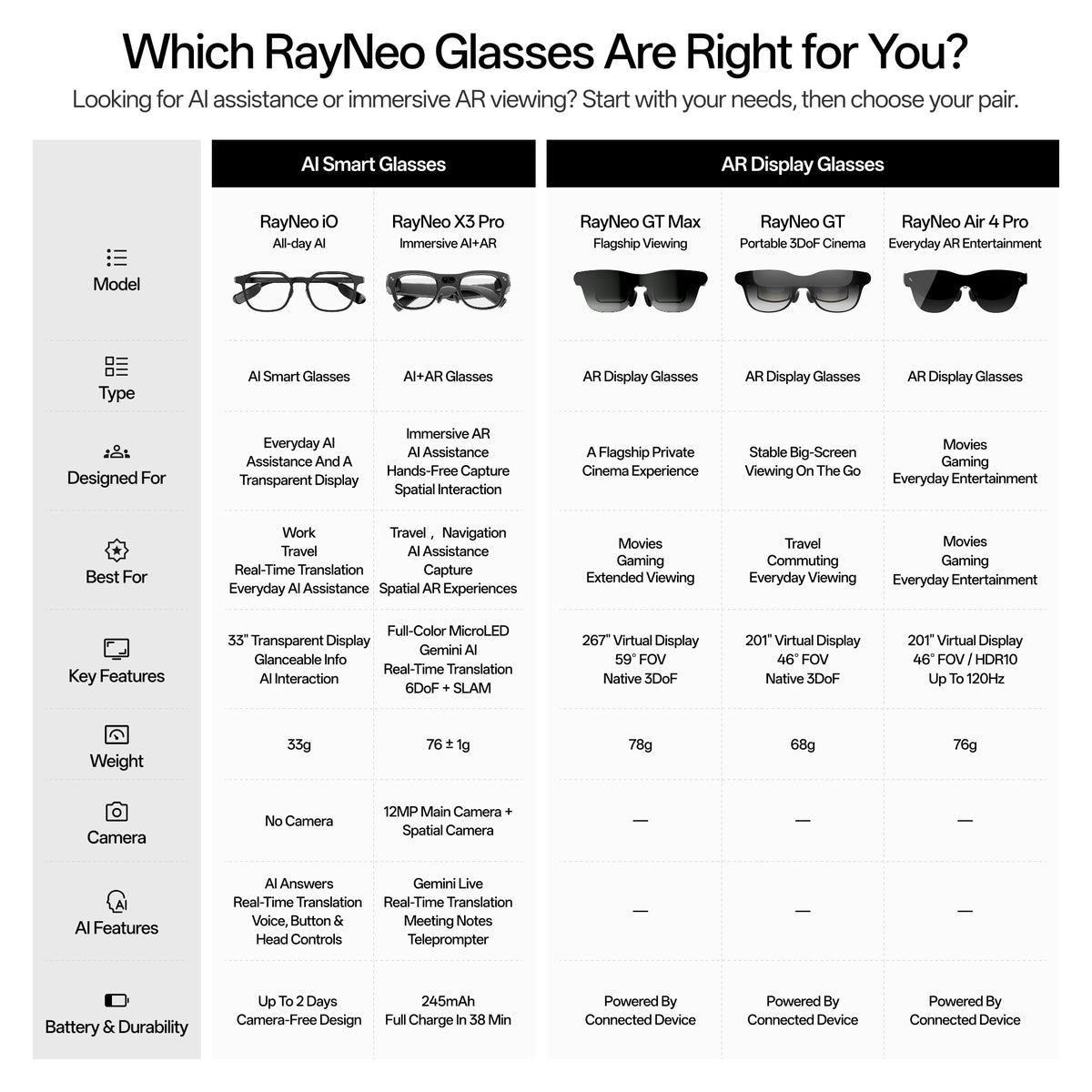
AR Glasses
Your own cinema anywhere.


A Bigger-Screen Upgrade for Movies & Gaming

Native 3DoF for Travel & Everyday Viewing
€369,00
136"/201"/231"
Screen Size
46°
Field of View
Pinned Mode /Steady Mode /Follow Mode
Spatial Tracking
AI HDR
HDR
Up to 120Hz
Refresh Rate
Bang & Olufsen / Quad-Speaker / Spatial Audio
Audio
Up to 1,200 nits
Brightness
68g
Weight
Fixed 64mm IPD / Adjustable Nose Pads
Fit / IPD
✓
Prescription Ready
Travel / Commuting / Everyday Viewing
Best For

Flagship Immersion
€489,00
227”/267"/307"
Screen Size
59°
Field of View
Pinned Mode /Steady Mode /Follow Mode
Spatial Tracking
AI HDR
HDR
Up to 120Hz
Refresh Rate
Bang & Olufsen / Quad-Speaker / Spatial Audio
Audio
Up to 1,200 nits
Brightness
78g
Weight
S / M / L IPD Sizes / Adjustable Nose Pads
Fit / IPD
✓
Prescription Ready
Movies / Gaming / Extended Viewing
Best For
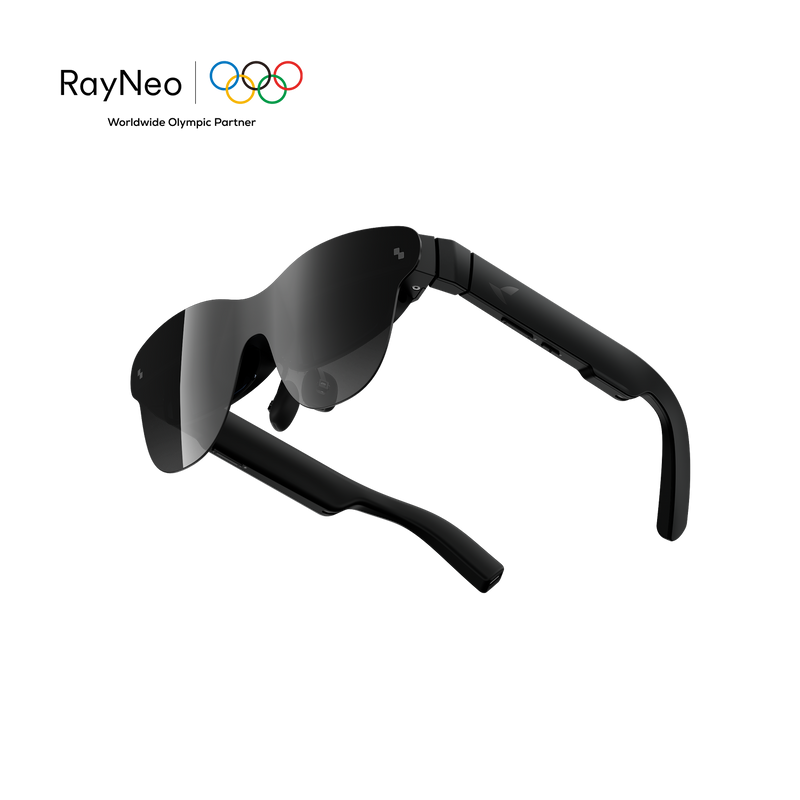
HDR10 visuals and B&O audio for movies, gaming, and everyday entertainment.
€339,00
201"
Screen Size
46°
Field of View
Follow Mode
Spatial Tracking
HDR10
HDR
Up to 120Hz
Refresh Rate
Bang & Olufsen / Quad-Speaker
Audio
Up to 1,200 nits
Brightness
76g
Weight
Adjustable Nose Pads & Flexible Temples
Fit / IPD
✓
Prescription Ready
Movies / Gaming / Everyday Entertainment
Best For
Made for Creators. Experienced by Creators.
From professional calibration to real-world experiences, see how filmmakers, artists, and creative professionals engage with the RayNeo GT Series.

Maggie Kang - Oscar-Winning Director of Netflix’s KPop Demon Hunters
Trying RayNeo GT Series for a big-screen cinematic experience.

TINASHE - Music Artist
Trying RayNeo GT Series for immersive sound and cinematic viewing.
Amber Neukam
Sundance-Recognized
Emerging Filmmaker
Independent Storyteller
Art-Driven Commercial Filmmaker
Bo Fu
Commercial Director
Cinematographer
Founder & Creative Lead at SanBuWuShi

Matt Shaffar
Senior Commercial Director
Acclaimed Editor
Visual Rhythm Artist

Vincent DeLuca
International Award-Winning
Documentary Director
Versatile Film & TV Producer
Veteran Director of Photography

Fei Zou
Veteran Commercial Director
Visual Storyteller
Director Known for Distinctive Visual Style
Executive Director, The Wandering Earth
Xinzhong Zhao
International Director of Photography
Director
Lead Creative at GZ Productions

From 47° to 59°, with a 70% larger display.

RayNeo GT MAX
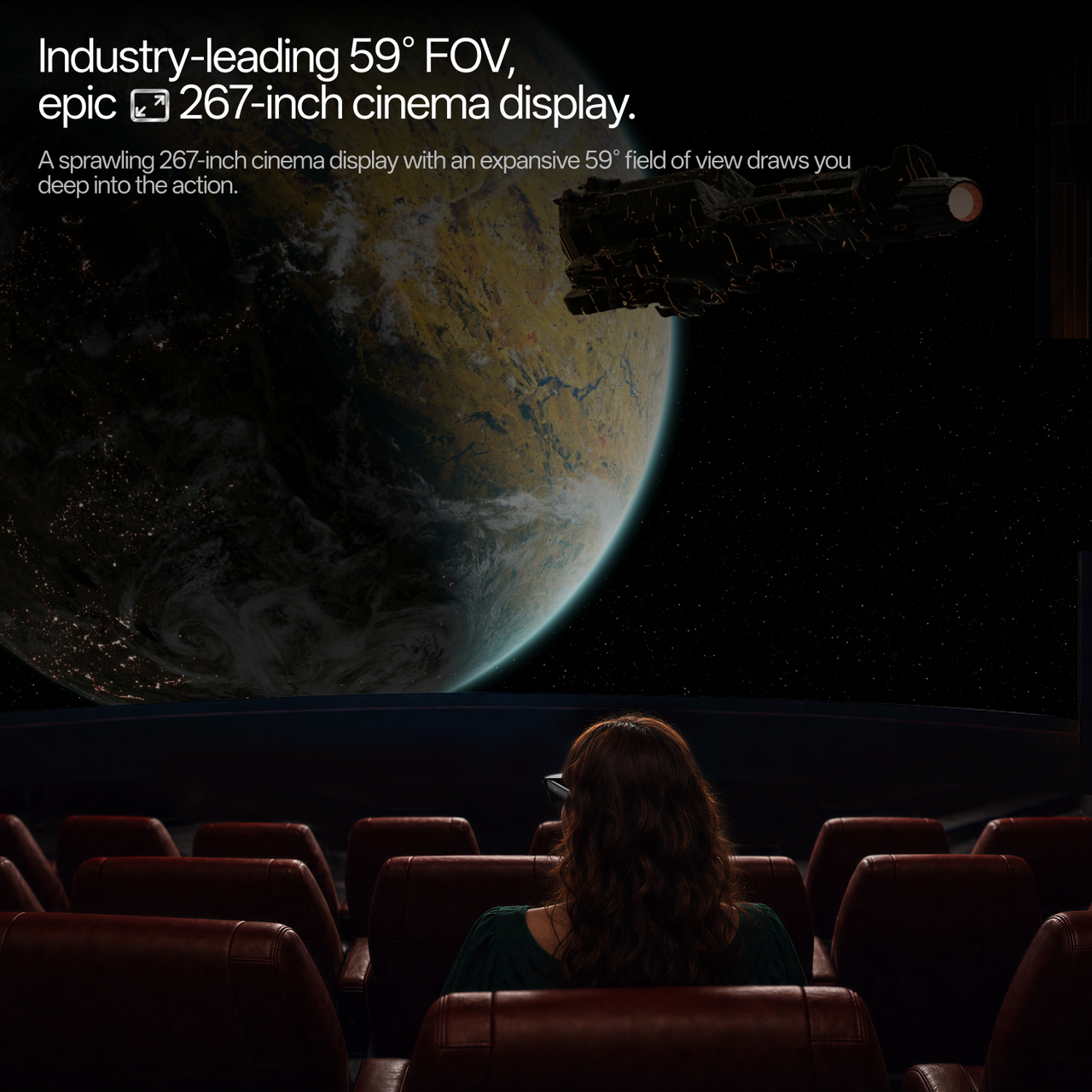
A sprawling 267-inch cinema display with an expansive 59° field of view draws you deep into the action.

Stable viewing with subtle natural movement.
Ideal for travel and commuting.

Keeps the screen fixed in one position.
Ideal for focused, cinema-like viewing.

Keeps the screen centered as you move your head.
Ideal for casual and everyday viewing.
Choose the best size to match your IPD:
—————
*Measure your IPD at this link:ipd.rayneo.com

Paired with RayNeo Pocket TV Pro, GT Max delivers an immersive Dolby Vision experience. AI real-time SDR-to-HDR conversion is supported across all compatible devices.

Powered by the Vision 4000 Display Chip and Zone 360 3DoF Chip, GT Max delivers stunning visuals with precise spatial tracking for a more immersive AR experience.

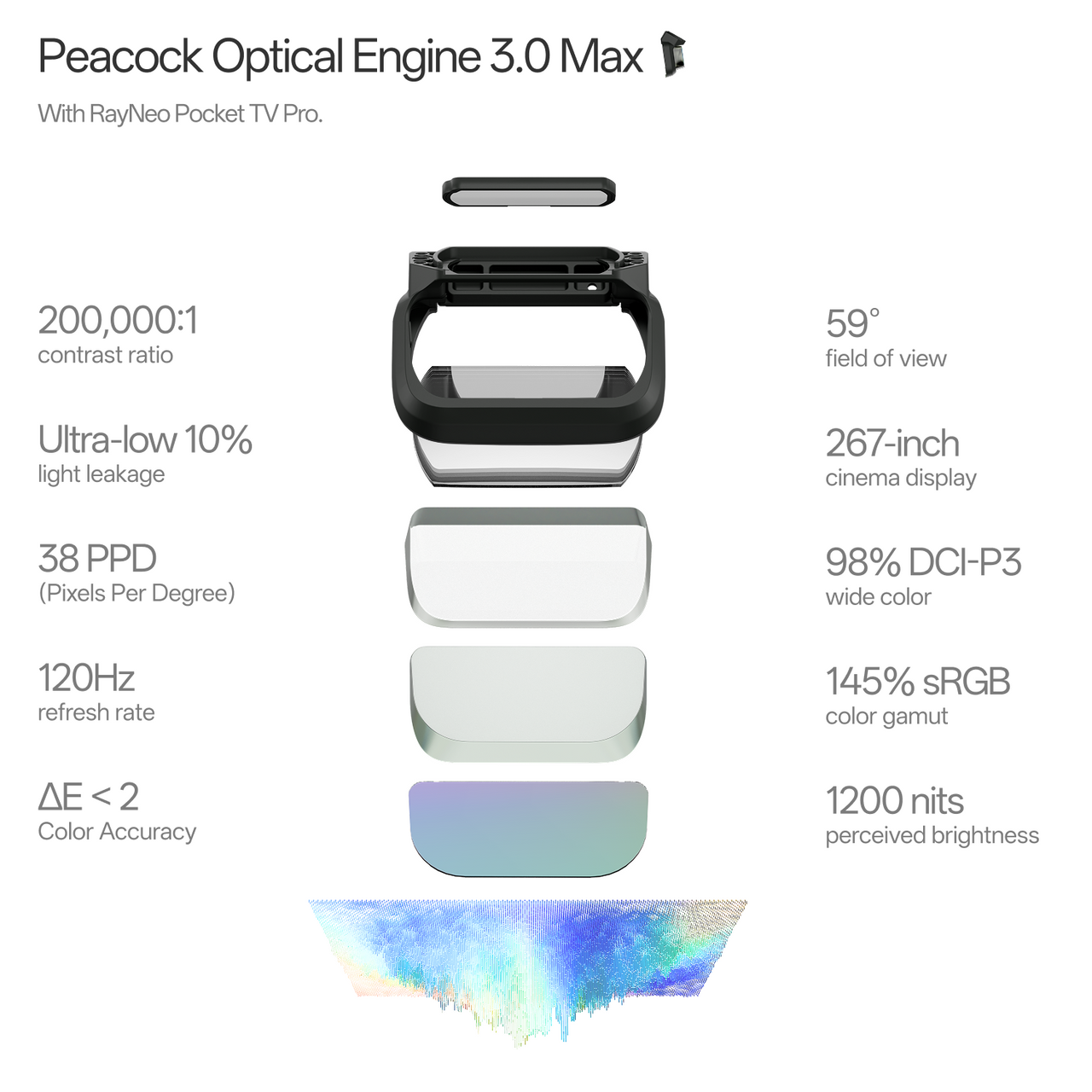
Peacock Optical Engine 3.0 Max delivers an unparalleled visual experience with a 59° field of view, 267-inch cinema display, 1200 nits perceived brightness, and 200,000:1 contrast ratio. Supporting 98% DCI-P3 wide color, 145% sRGB color gamut, 38 PPD resolution, 120Hz refresh rate, and ΔE < 2 color accuracy for smooth, vivid, and true-to-life visuals.

Brilliant visuals, pinpoint precision. Extended AR use.

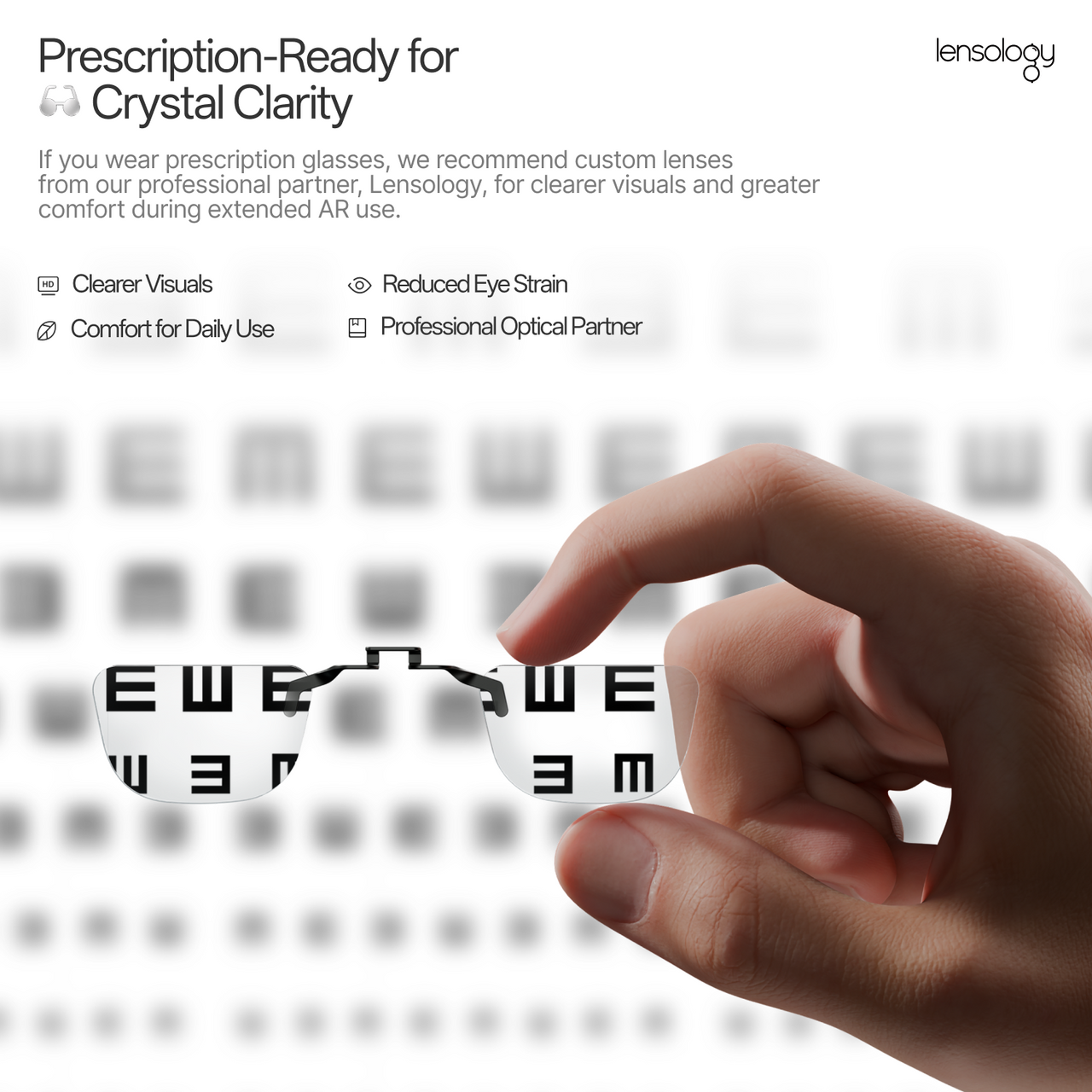
If you wear prescription glasses, we recommend custom lenses from our professional partner, Lensology, for clearer visuals and greater comfort during extended AR use.
Shop Prescription Lenses:https://lensology.co.uk/rayneo-gt-max-prescription-inserts/


3D Spatial Sound | Whisper Mode 2.0
Our all-new, racetrack quad-speaker system delivers true studio-grade dynamic range. Featuring an industry-first back-to-back architecture and custom-tuned in partnership with Bang & Olufsen, it shatters every expectation of what AR glasses can sound like.

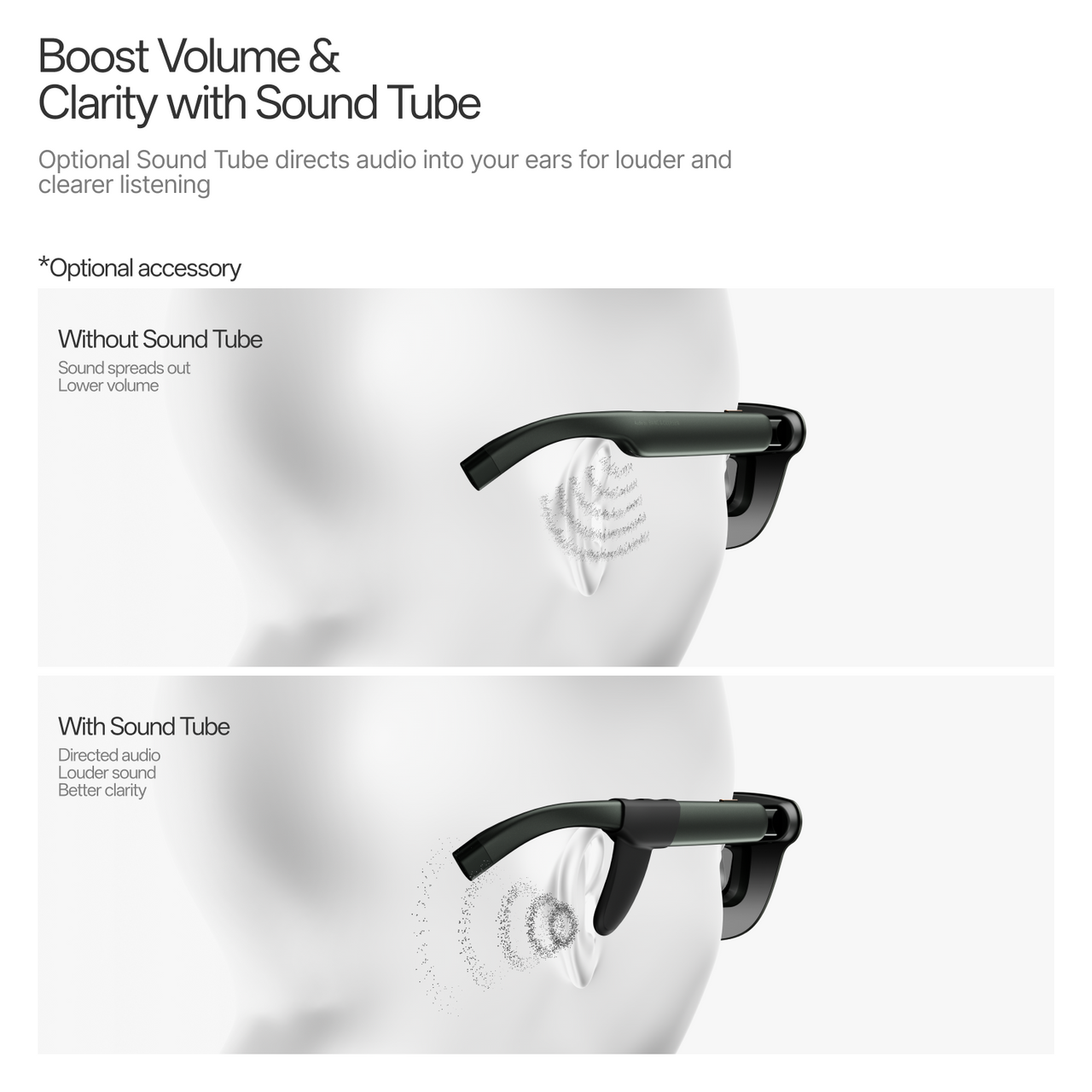
Optional Sound Tube directs audio into your ears for louder and clearer listening.
*Optional accessory

Explore more features that can help you find the right RayNeo experience.


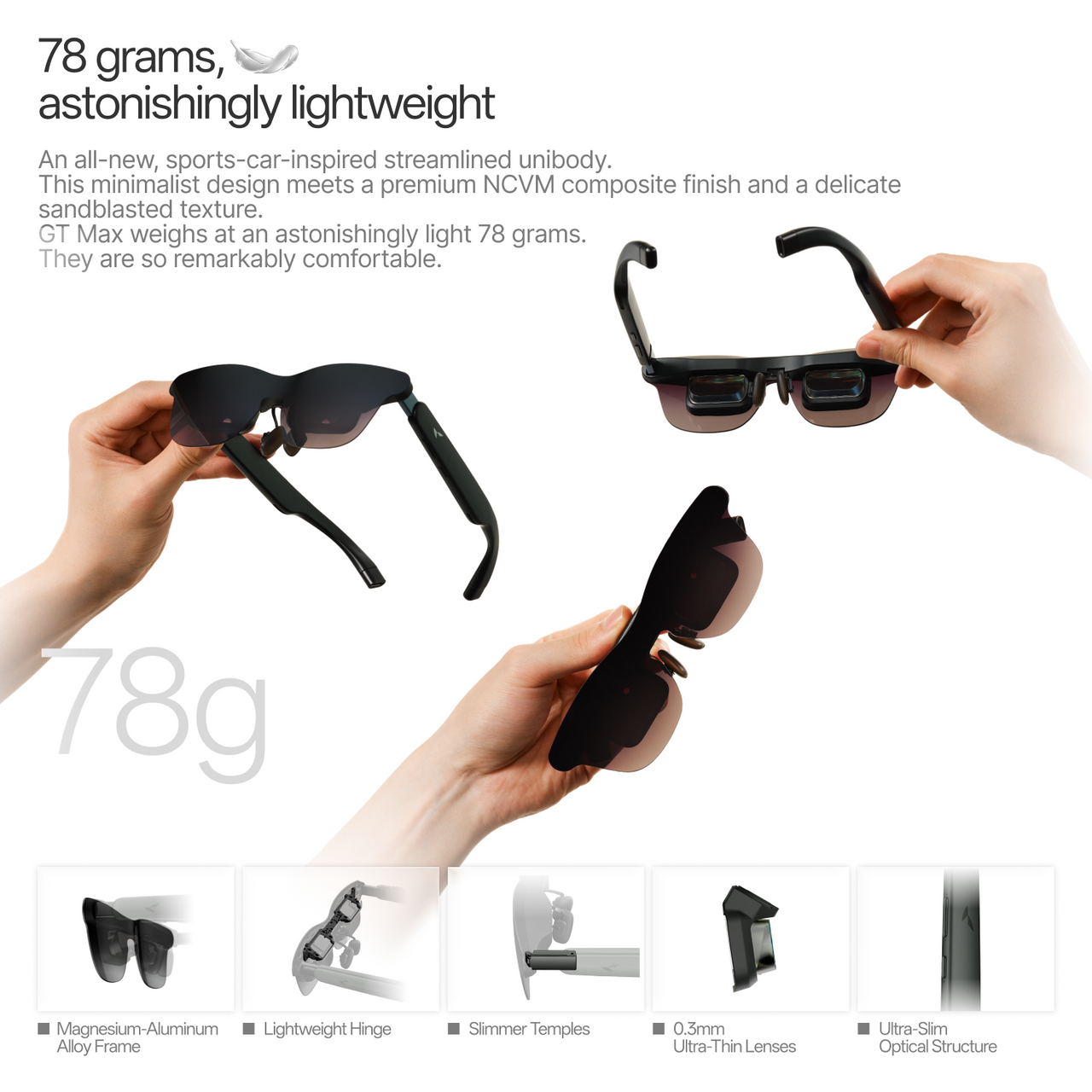
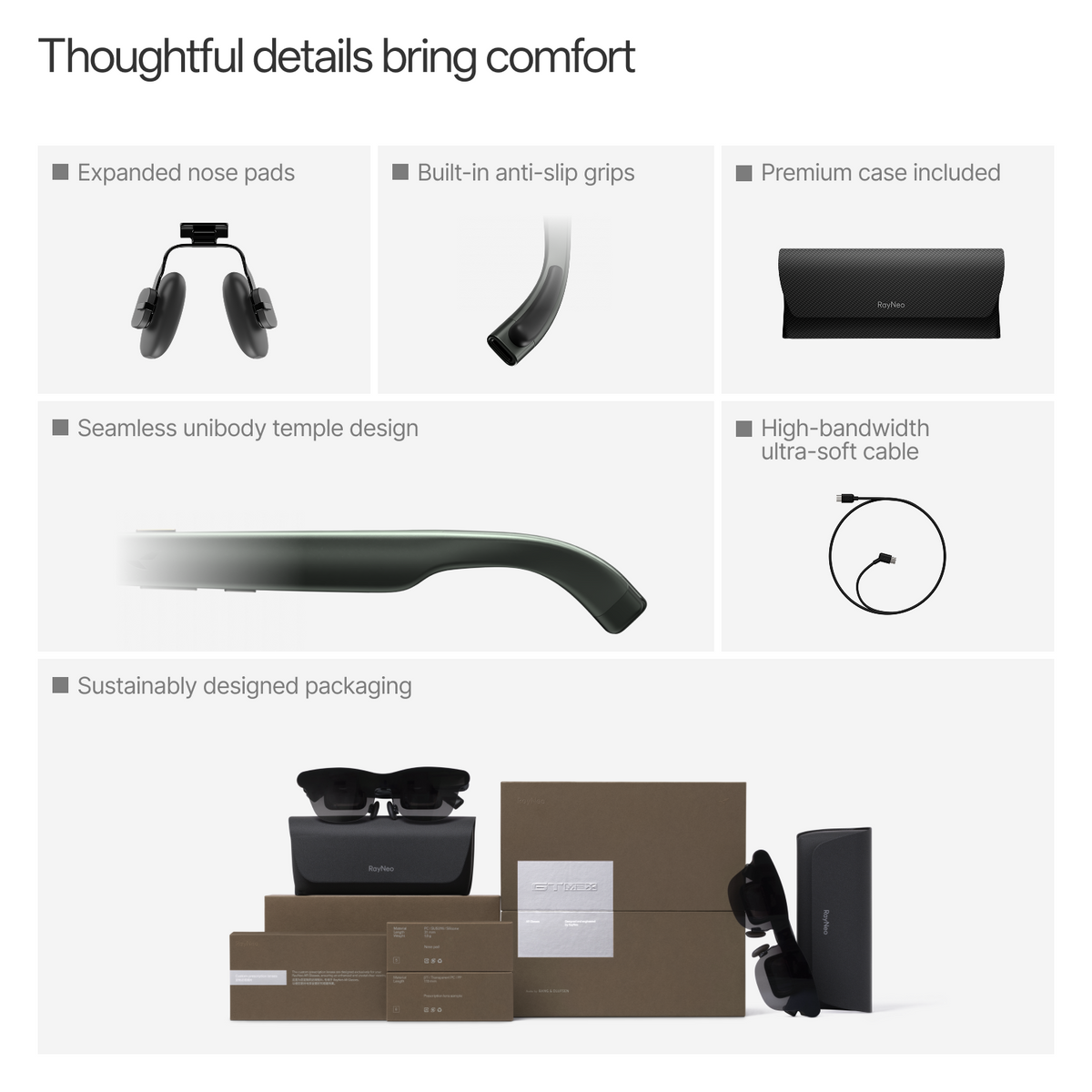
An all-new, sports-car-inspired streamlined unibody. This minimalist design meets a premium NCVM composite finish and a delicate sandblasted texture. GT Max weighs at an astonishingly light 78 grams. They are so remarkably comfortable.
*All data is sourced from the RayNeo Lab.
Instantly convert 2D videos into 3D ones!
*Available on iPhone 15/16/17 series
iPhone 16e / 17e / Air is not supported.
A visual upgrade that delivers deeper layers and superior immersion!
Spatial video playback is now live!
*Only available on iPhone 15/16/17 series.
iPhone 16e / 17e / Air is not supported.
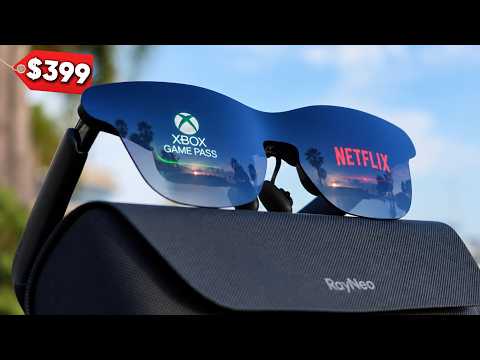

The New World's BIGGEST AR Glasses Screen Is Here And It's Cheap!
Steven Sullivan

RayNeo GT Max: Their Best XR Glasses Yet?
Cas and Chary XR

XR Displays Just Got Bigger — RayNeo GT Max Review
Naysy
iPhone 15 / 16 / 17 Series *iPhone 16e / 17e / Air not supported.
ex. Samsung Galaxy S8–S25 Series
Apple iPad (10th gen or newer) with USB-C support
Compatible USB-C handheld gaming consoles
Apple MacBook (2015+) with USB-C support USB-C laptops and PCs with video output support
iPhones (Up to iPhone 14)、iPad (4th–9th gen)、iPad Air (1st–3rd gen)、iPad mini (1st–5th gen) *Lightning devices require Apple Digital AV Adapter to work together (not included).
Gaming Consoles:PS4 / PS5、Xbox、Nintendo Switch
Steam Deck、Laptops、Desktop PCs
Switch (1st generation)、Switch 2 *Back Clip Needed
RayNeo AR Glasses :GT Max、GT、Air 4 Pro、Air 3s Pro
Enjoy smooth 4K visuals while charging your device.
Dolby Vision Support
227”/267"/307" Virtual DisPlay
59°
0.6" SeeYa Micro-OLED
1920 × 1080 (Full HD)
2D 120Hz
3D 60Hz
Pinned Mode
Steady Mode
Follow Mode
Pinned Mode:336 nits
Non-Pinned Mode:1,200 nits
Vision 4000
AI HDR
200,000:1
98% DCI-P3 / 145% sRGB
ΔE < 2
Bang & Olufsen
Quad-Speakers
Immersive Spatial Sound & Head-Tracked Spatial Audio
Whisper Mode
78g
Adjustable Nose Pads
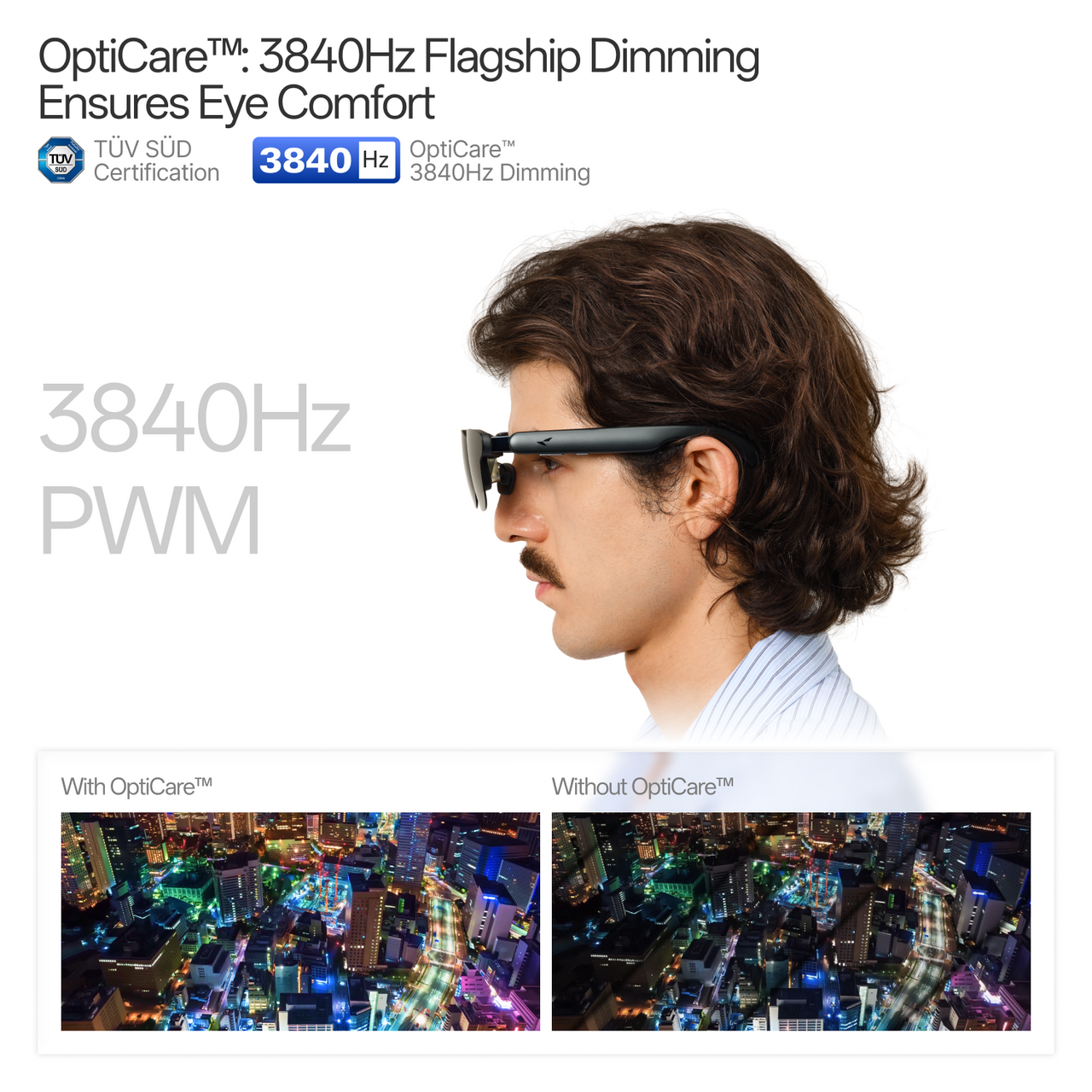
3840Hz High-Frequency Dimming
Direct connection via DisplayPort-compatible USB-C
Compatible devices with USB-C video output
Compatible USB-C / DisplayPort devices
Compatible USB-C gaming devices
Supported via RayNeo HDMI Adapter
iPhone / Android / Mac / Windows / Steam Deck / Switch / PlayStation
Compatibility depends on your device’s video output capability.
Standard / Movie / Eye Protection / Office
Follow / Steady / Pinned
12 levels plus 3 extra gain levels
On-device Controls
Native 3D
AI 2D-to-3D Conversion
RayNeo XR App
Prescription Lens Compatible
RayNeo GT Max is available in three IPD sizes to provide a better optical fit:
S: IPD < 64mm
M: IPD 64–67mm
L: IPD > 67mm
Not sure about your IPD? Measure it before ordering at: http://ipd.rayneo.com
IPD, or interpupillary distance, is the distance between the centers of your pupils. Choosing the GT Max size that matches your IPD helps align your eyes with the optical viewing area for clearer visuals and a more comfortable viewing experience.
GT Max is available in S, M, and L IPD options. You can measure your IPD at : http://ipd.rayneo.com
Yes. RayNeo GT Max supports prescription lens solutions for users who need vision correction.
For clearer visuals and greater comfort during extended AR use, we recommend custom prescription lenses from RayNeo’s professional lens partner, Lensology.
Shop Prescription Lenses:https://lensology.co.uk/rayneo-gt-max-prescription-inserts/
RayNeo GT Max can connect directly to compatible devices that support video output via USB-C DisplayPort Alt Mode, including supported smartphones, tablets, laptops, and handheld gaming devices.
Some devices may require an additional adapter or accessory depending on their available ports and video-output capabilities.
No. Pocket TV Pro is not required to use GT Max.
GT Max can connect directly to compatible smartphones, tablets, laptops, handheld gaming devices, and other supported video sources.
Pairing GT Max with RayNeo Pocket TV Pro adds a dedicated portable entertainment experience with Google TV, streaming apps, expandable storage, and Dolby Vision support.
Pair RayNeo GT Max with RayNeo Pocket TV Pro to unlock the Dolby Vision AR experience.
Dolby Vision playback is supported when GT Max is used with Pocket TV Pro and compatible Dolby Vision content.
Both models are designed for immersive AR entertainment, but GT Max offers a larger optical viewing experience and additional IPD options.
————————
RayNeo GT Max
————————
RayNeo GT
————————
Both models support up to a 120Hz refresh rate, 1200 nits perceived brightness, Bang & Olufsen audio tuning, native 3DoF spatial tracking, and Dolby Vision playback when paired with Pocket TV Pro.
Reconnect the included USB-C cable and make sure both ends are fully inserted.
Unlock the connected device and increase the glasses’ brightness.
Confirm that the USB-C port supports DisplayPort Alt Mode.
If using an adapter, make sure it is connected correctly and sufficiently powered.
Restart the connected device or test another compatible port, cable, or device.
Check the RayNeo Device Compatibility List for supported devices.
If the issue persists, contact RayNeo Support with the glasses model, connected-device model, and connection method.
RayNeo GT MAX provides S, M, and L optical-module options for different interpupillary distances (IPD), as well as S, M, and L nose-pad heights for different pupil heights.
If the IPD size is correct but the edges are still blurry:
Try a different nose-pad height to improve vertical eye alignment.
Wear the glasses level and move them slightly upward or downward until the image is centered.
Reduce the virtual screen size to keep the image within the clearest viewing area.
Clean the display lenses and make sure any prescription lenses are installed correctly.
Close one eye at a time to check whether the blurriness affects one side or both sides.
If one side remains blurry or a fully clear image cannot be achieved, contact RayNeo Support and provide the selected IPD size, nose-pad size, and whether the issue affects one or both eyes.
RayNeo GT / GT MAX use an open-ear speaker design. The speaker outlets direct sound toward the wearer, making the audio difficult to hear clearly from approximately 1.5 meters away. However, someone standing very close may still hear some sound.
Adjusting the volume
Use the Volume Rocker on the glasses to increase or decrease the volume.
Switching audio modes
Press and hold the Volume Rocker to switch between:
Standard
Whisper
Spatial Surround
Select Whisper Mode to reduce audio leakage in quiet or public environments. It can also be enabled through RayNeo XR App > Glasses Settings > Whisper Mode.
The connected device powers the glasses and processes video, so slight warmth and increased battery consumption are normal. Use the appropriate power-saving feature for your viewing mode.
When Playing Videos in XR Space: Eco Mode
Tap More in the lower-right corner of the video player.
Turn on Eco Mode.
The phone screen will dim under a black overlay while the video continues playing on the glasses.
1.Open Immersive Casting in the RayNeo XR App.
2.On the casting control screen, tap Glasses Settings.
3.Enable Auto-Dim Brightness and adjust the Minimum Brightness if needed.
4.After 10 seconds of inactivity, a dark overlay will appear to reduce the phone screen’s power consumption. Casting will continue normally.
5.Tap Temporarily Brighten Screen to remove the overlay. It will return after another 10 seconds of inactivity.
6.You can also lower the glasses’ brightness, close unused apps, keep the connected device well ventilated, and disconnect the glasses when they are not in use.
Open the RayNeo XR App and go to:
Me > XR Space Guide > Media Import Guide
Select the import method that matches your media source—AirDrop, Mac/PC, or Cloud Drive/Web—and follow the on-screen instructions.
After importing the media, return to the RayNeo XR App and refresh the media list.
The following instructions update the firmware installed on the glasses. They do not update your phone’s operating system or the RayNeo XR App.
When new glasses firmware is available, the RayNeo XR App will normally display an update notification automatically. Tap Update Now to begin or Update Later to postpone it.
To check for updates manually:
Connect the glasses to your Android phone.
Open the RayNeo XR App.
On the app homepage, go to Glasses Settings > Firmware upgrade.
Follow the on-screen instructions to update the glasses.
This includes iPhone users and others who cannot update through the Android app. Use a Windows PC or Mac:
1.Open the RayNeo Firmware Update Page in Chrome.
2.Connect the glasses to the computer’s USB-C port.
3.Click Start Connecting.
4.In the device-selection pop-up, select RayNeo AR Glasses, then click Connect.
5.If an update is available, click Start Upgrade and connect RayNeo AR Glasses again when prompted.
6.Keep the glasses connected until the progress bar shows that the update is complete.
Note: The glasses may temporarily display a black screen during the update. Do not disconnect the cable or close the browser until the update is complete.
Still have questions?Get Help