Antes de usar el adaptador portátil por primera vez, cárguelo
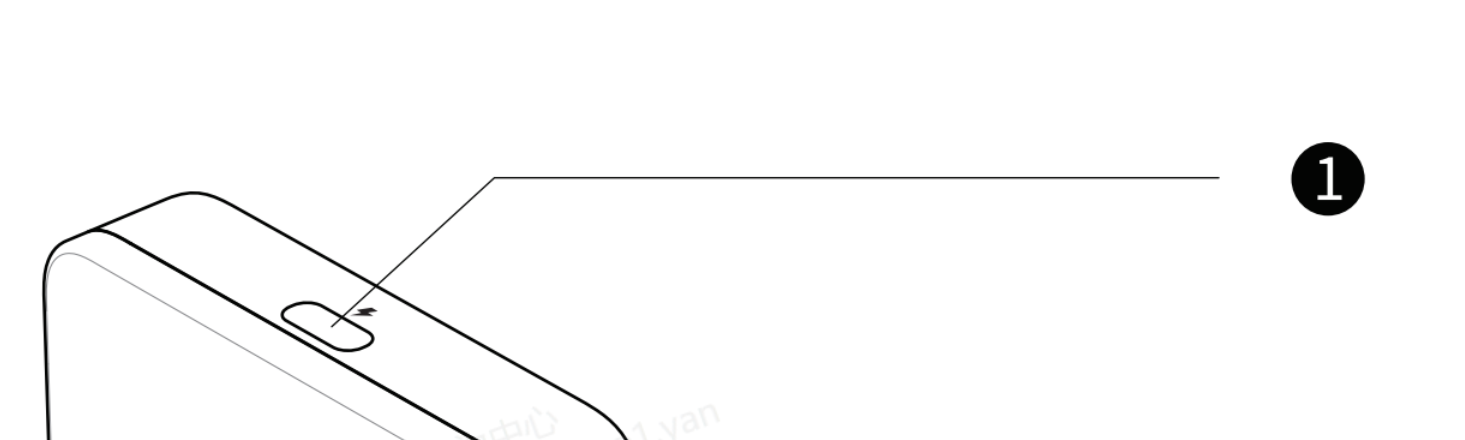
Utilice el cable USB-C a USB-C largo incluido en la caja; conecte el puerto USB-C del adaptador portátil marcado con el símbolo de carga y rayo en la parte superior, y conecte el otro extremo al cargador
- Don’t mix the type C port for Smart glasses with the one for Charging. The port for Smart Glasses is marked with a “glasses” at the bottom
At the very beginning of charging, the indicator light doesn’t blink due to lack of power.
- After charging for a while, it will blink;
- Or after charging a while, you press the thumbwheel, it will blink.
Para usuarios de Android, deben escanear el código QR del manual para descargar e instalar la aplicación «Mirroring» (o descargarla desde Google Play);
For iPhone users, you can cast the screen without the APP .
However, if you’d like to upgrade the portable adapter’s firmware, the APP is necessary(scan the QR code or search on App store).
Take Android as an example, scan the QR code in the manual
Click Download and install the APP
Open the APP. It might ask for the permit to Dipaly over other apps( It might vary from one phone model to another)
Find the Mirroring and grant the permit
Para usuarios de iPhone
*Completa los pasos de conexión según el manual incluido en la caja
El iPhone muestra una ventana de alerta; pulsa Confiar; y las gafas inteligentes podrán proyectar la pantalla del iPhone. 👍
For Android User
*Complete the connection steps according to the manual in the box
Open the Mirroring APP, below window prompts up, choose "Transfer files/Android Auto"
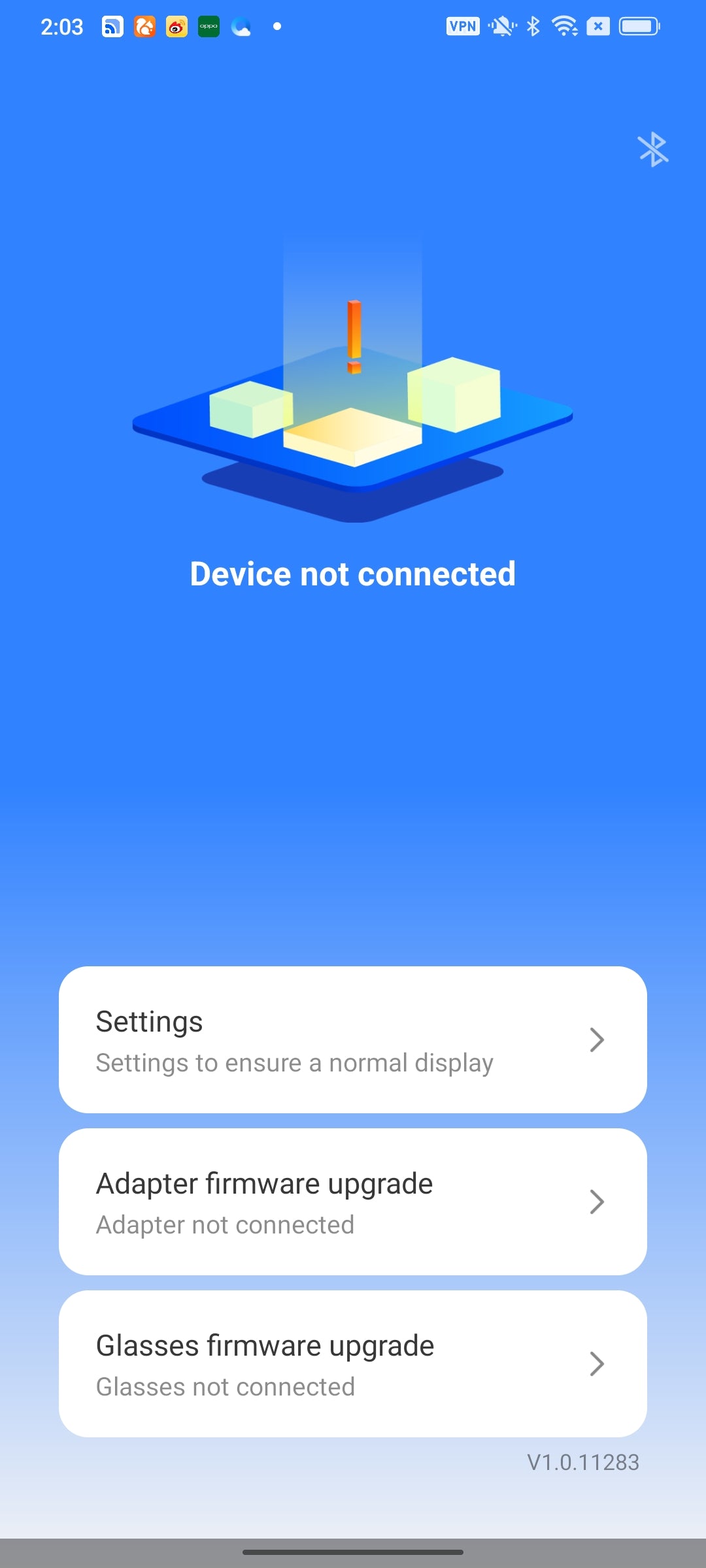
*If the above window doesn't show up, and the interface stays at the below "Device not connected", please unplug & plug again the transfer short cable of adapter to mobile phone.
Click ok
Click Start Now. Now you can enjoy the screen casting.👍
You might find firmware upgrade alert in this interface, click Adapter firmware upgrade
New version available, click Upgrade. Do not uplug the adapter or glasses during the upgrade.
After the upgrade, if the APP shows "Device not conneceted", please unplug & plug again the transfer short cable of adapter to mobile phone, then you can cast the screen again.👍
Al seleccionar una opción, se actualiza toda la página.