Häufig gestellte Fragen

Bitte laden Sie den tragbaren Adapter vor der ersten Verwendung auf.

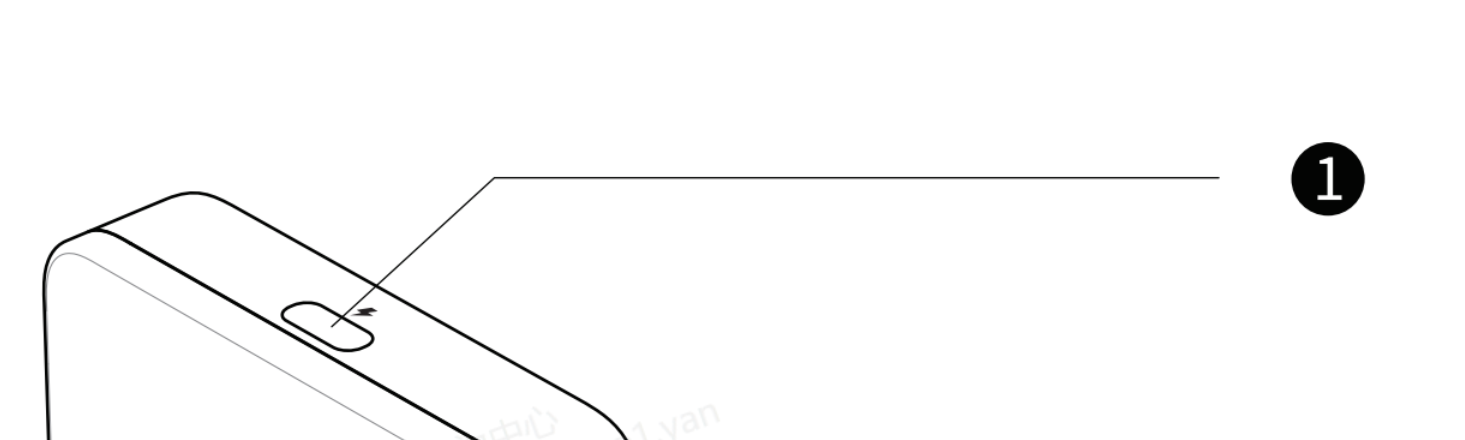
  • Bitte verwenden Sie das lange USB-C-zu-USB-C-Kabel aus der Verpackung. Stecken Sie es in den mit einem „ Blitz “-Symbol gekennzeichneten USB-C-Anschluss zum Laden oben am Netzteil und verbinden Sie das andere Ende mit Ihrem Ladegerät.
RayNeo
  • - Don’t mix the type C port for Smart glasses with the one for Charging. The port for Smart Glasses is marked with a “glasses” at the bottom
RayNeo
  • At the very beginning of charging, the indicator light doesn’t blink due to lack of power.
    • - After charging for a while, it will blink;
    • - Or after charging a while, you press the thumbwheel, it will blink.
RayNeo
  • Android-Nutzer müssen den QR-Code im Handbuch scannen, um die „Mirroring“-App herunterzuladen und zu installieren (oder sie bei Google Play herunterladen) ;
  • For iPhone users, you can cast the screen without the APP .
    1. However, if you’d like to upgrade the portable adapter’s firmware, the APP is necessary(scan the QR code or search on App store).
RayNeo
  • Take Android as an example, scan the QR code in the manual
RayNeo
  • Click Download and install the APP
RayNeo
  • Open the APP. It might ask for the permit to Dipaly over other apps( It might vary from one phone model to another)
  • Find the Mirroring and grant the permit
RayNeo RayNeo RayNeo

Für iPhone-Nutzer

  • *Führen Sie die Anschlussschritte gemäß der Anleitung in der Verpackung durch.
  • Das iPhone zeigt ein Warnfenster an. Tippen Sie auf „Vertrauen“; anschließend kann die Smartbrille den Bildschirm des iPhones spiegeln. 👍
RayNeo

For Android User

  • *Complete the connection steps according to the manual in the box
  • Open the Mirroring APP, below window prompts up, choose "Transfer files/Android Auto"
RayNeo
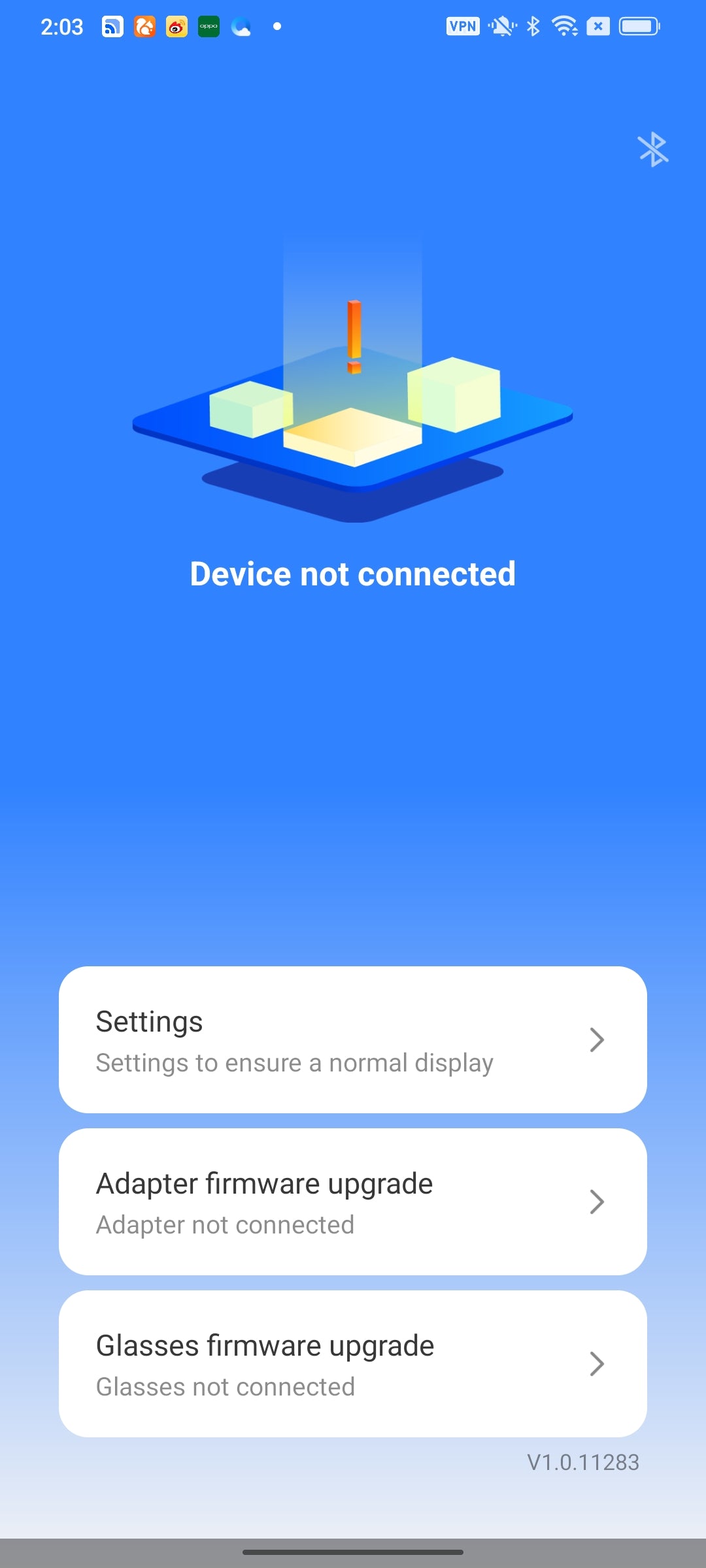
  • *If the above window doesn't show up, and the interface stays at the below "Device not connected", please unplug & plug again the transfer short cable of adapter to mobile phone.
RayNeo
  • Click ok
RayNeo
  • Click Start Now. Now you can enjoy the screen casting.👍
RayNeo
  • You might find firmware upgrade alert in this interface, click Adapter firmware upgrade
RayNeo
  • New version available, click Upgrade. Do not uplug the adapter or glasses during the upgrade.
RayNeo RayNeo RayNeo
  • After the upgrade, if the APP shows "Device not conneceted", please unplug & plug again the transfer short cable of adapter to mobile phone, then you can cast the screen again.👍
RayNeo